
Operations
Every truck. Every repair.One clear history.
Track trucks and equipment, catch maintenance before it is late, and work repairs with your garage in one place.
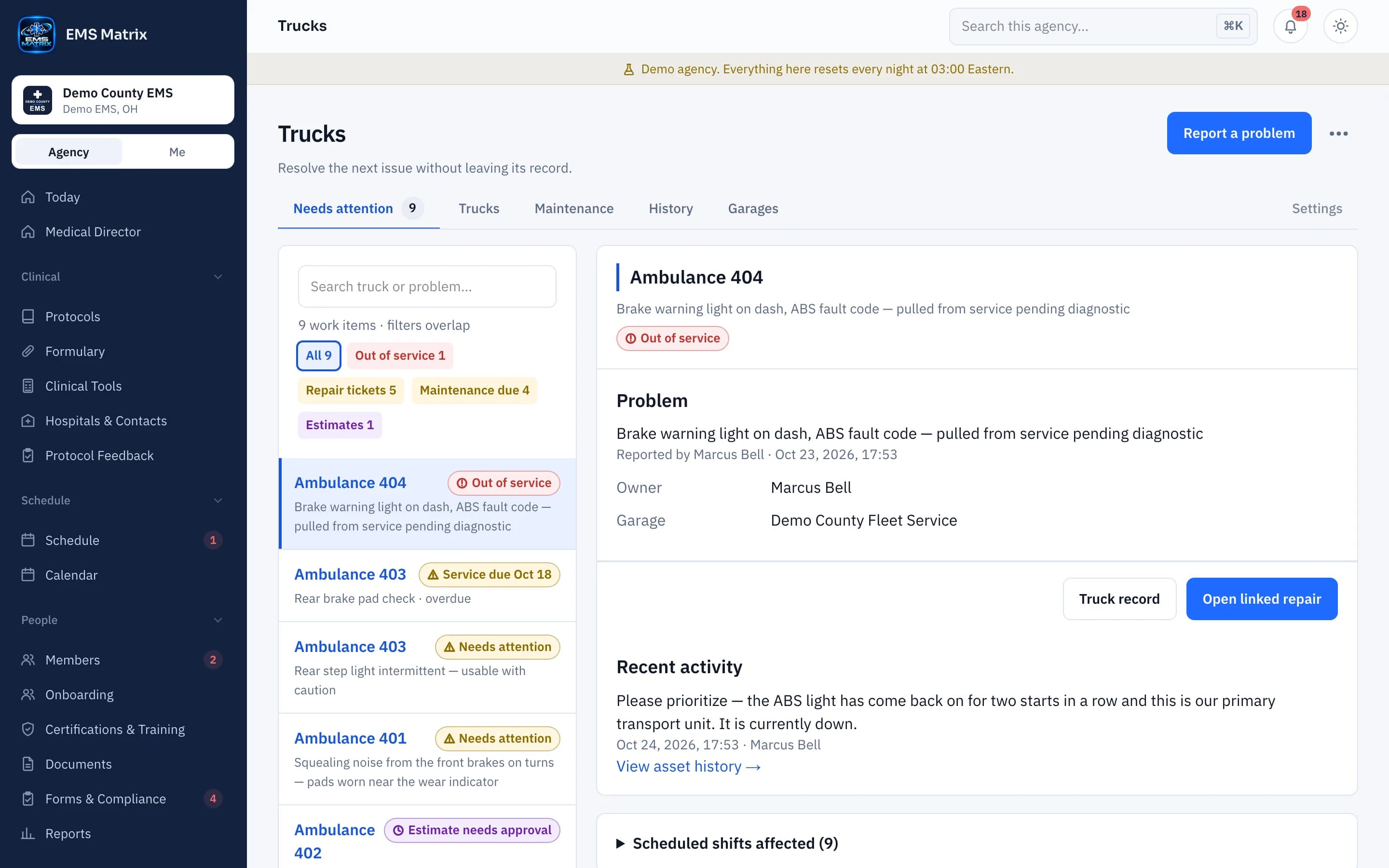
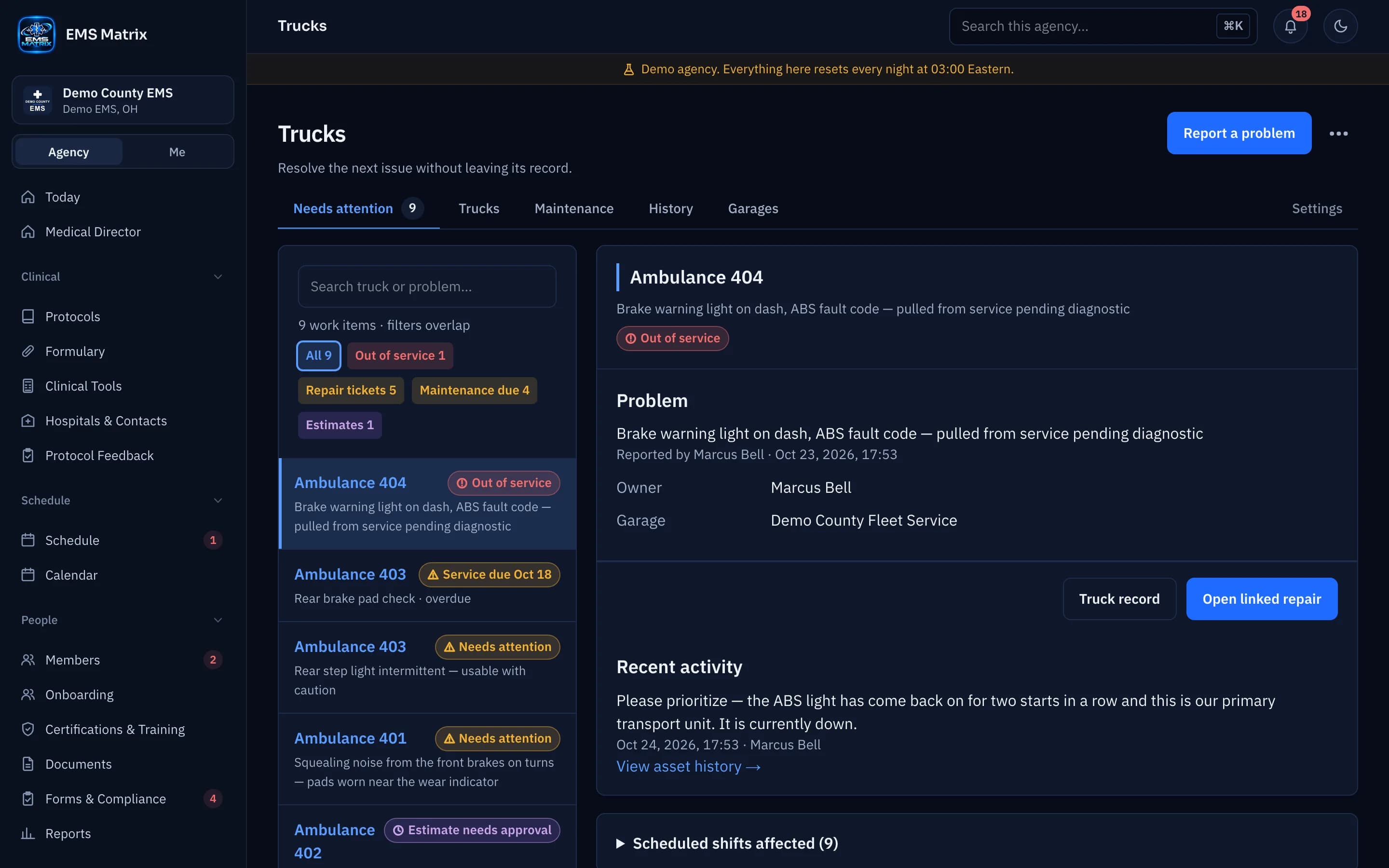
Maintenance before it is late
Due by date, miles or engine hours, whichever comes first. Overdue work shows first.
Your garage in the loop
Invite your repair shop to Garage Connect. They update the job, the estimate and the invoice.
Readiness is visible
Keep In service, Limited service and Out of service distinct.
How it works
- 1
Report a problem
Crews set the severity and describe it from the phone.
- 2
Send it to the garage
The repair ticket goes to your shop in Garage Connect.
- 3
Approve the estimate
Your rule: no approval, every estimate, or only over a dollar limit.
- 4
Review return to service
Authorized staff decide when it is ready.
Questions
Does the garage need an EMS Matrix account?
A fleet manager invites the shop by email. The shop signs in to Garage Connect and sees its own jobs and the units of agencies that invited it.
Can a garage see other shops' costs?
No. Each garage sees its own jobs, estimates and invoices.
Who manages trucks?
Administrators and Shift Supervisors by default. Trustees can look but not change anything.
See Trucks & Equipment in action.
Explore the crew app and portal with Demo County EMS.