Clinical
Your formulary.Your protocol context.
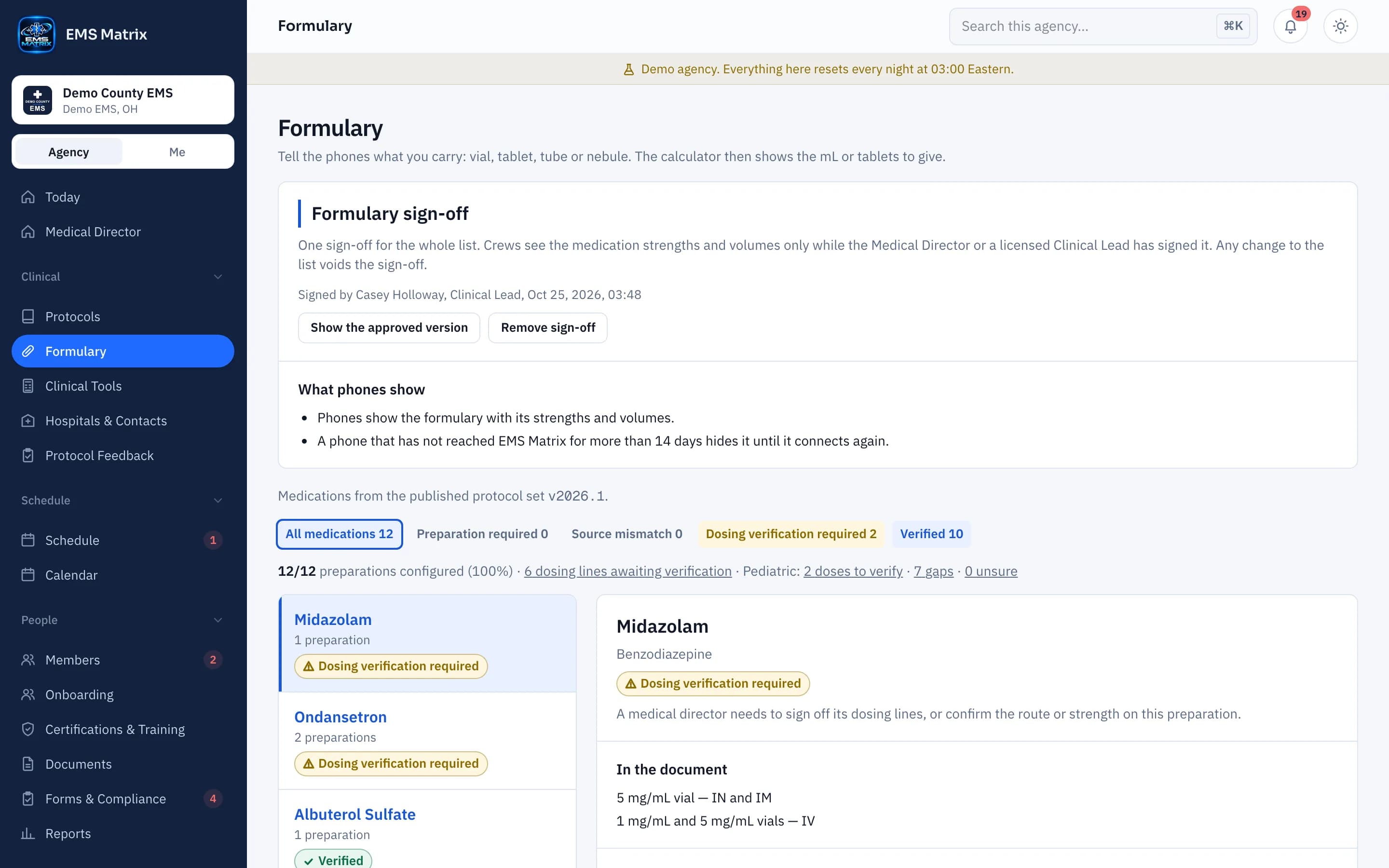
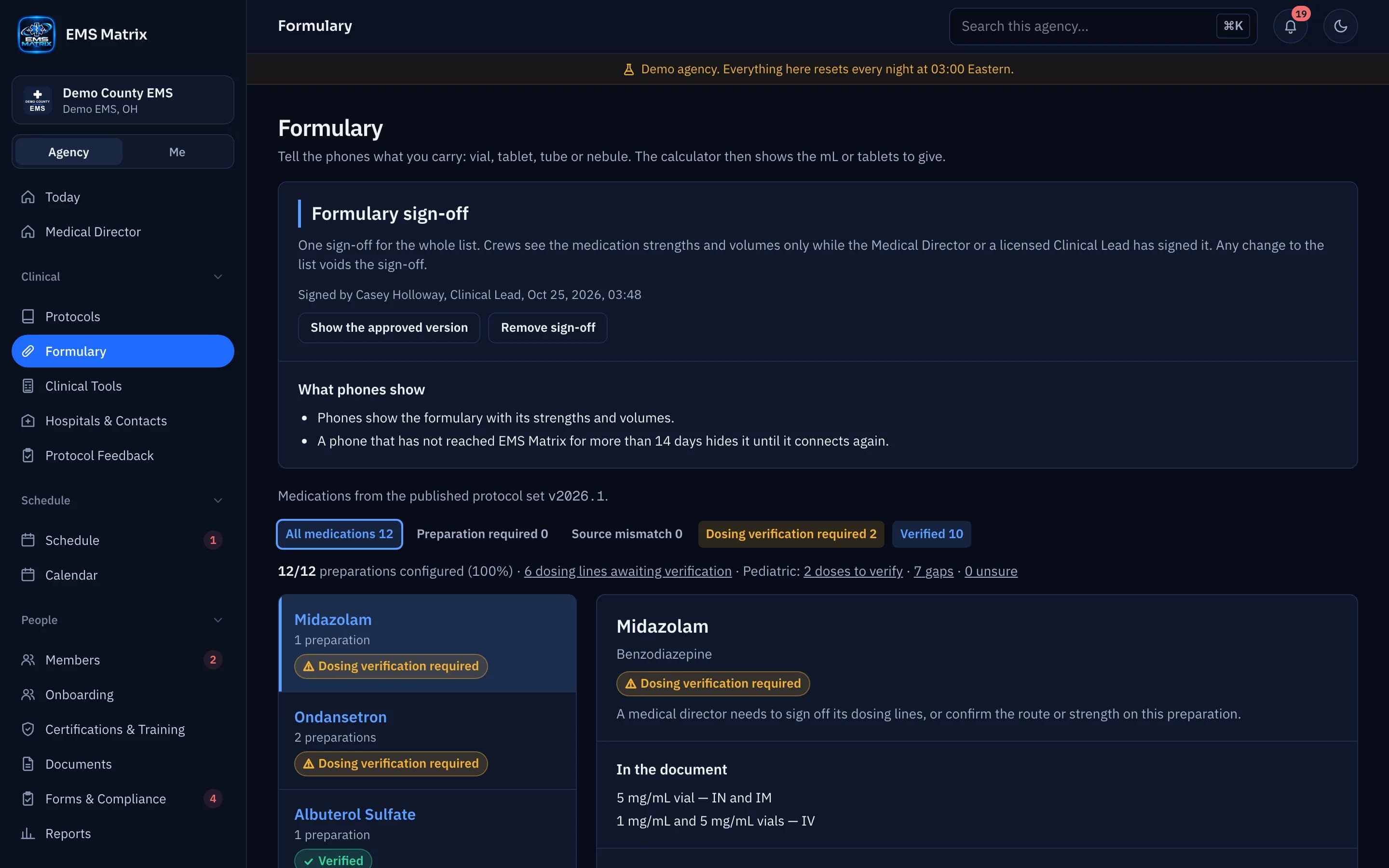
Record what your agency carries and verify each dose line; the protocol wording always shows as written.
Start from your list
Sync from your protocols or import the .xlsx or .csv template.
Review each line
Check imported entries and protocol links before saving.
Keep context close
Crews see the protocol wording alongside medication information.
How it works
- 1
Start the formulary
Sync from protocols, import the template or start empty.
- 2
Match and review
Check medications, preparations and protocol links.
- 3
Verify dose lines
An authorized reviewer checks the source wording.
- 4
Ready on the phones
A verified line reaches crews with no separate publish step.
Questions
Does uploading verify a dose line?
No. Upload review and clinical verification are separate steps; follow your agency’s verification settings.
See Formulary in action.
Explore the crew app and portal with Demo County EMS.