
Workforce
Recorded hours.Ready for review.
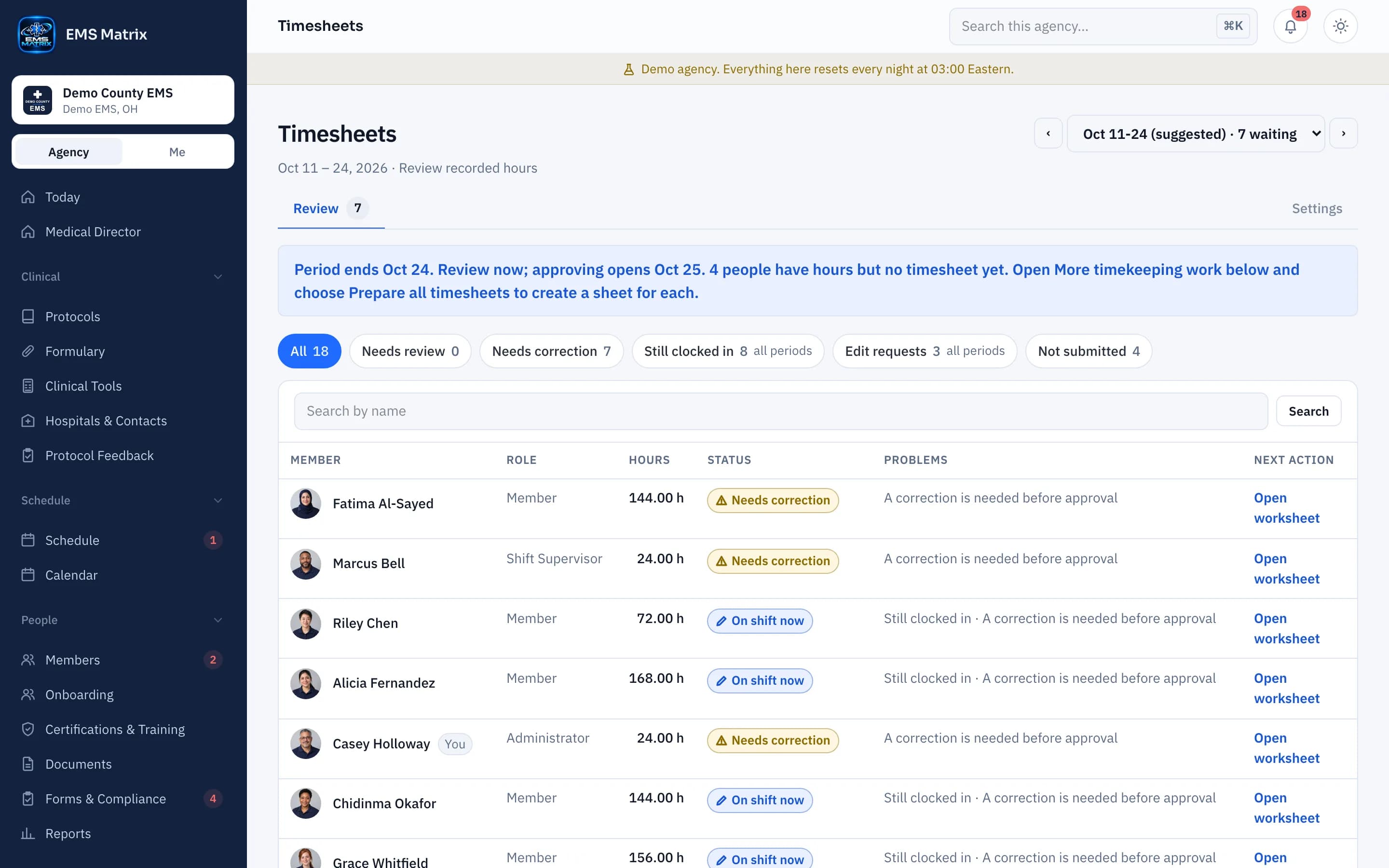
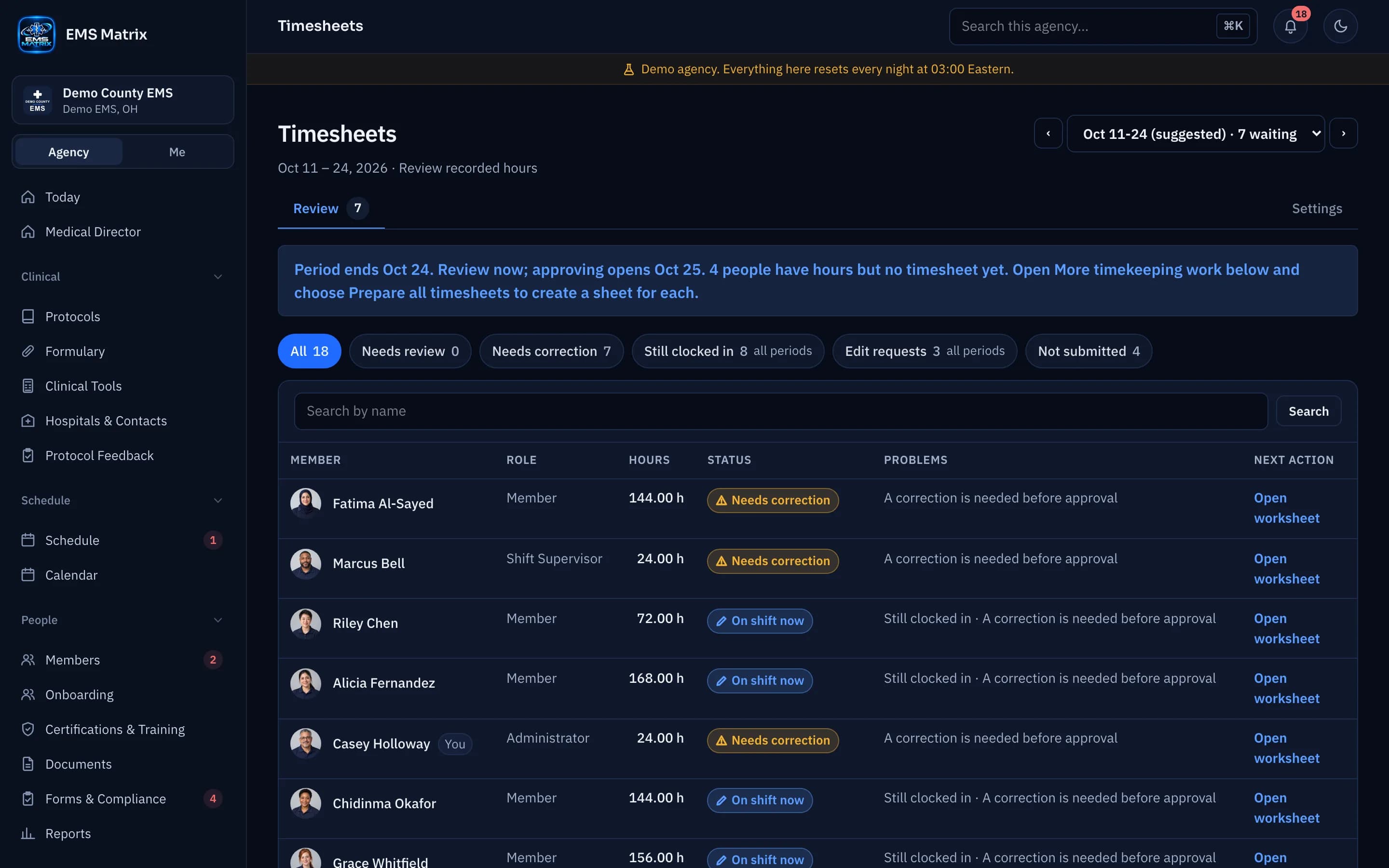
Review the full period worksheet, fix what needs attention and prepare approved hours for export.
The period in one view
Compare dates, punches and work types in one worksheet.
Clear review states
See Needs attention, Ready to approve and Approved at a glance.
Files for your pay system
Review and download an export; no funds are transferred.
How it works
- 1
Record time
Crews clock in and out from the phone.
- 2
Review the worksheet
Check hours and resolve issues.
- 3
Save, then approve
Save edits separately from approval.
- 4
Approve for payroll
Finish the pay period, then download the payroll file.
Questions
Is this a direct payroll connection?
No. Someone your agency allows downloads the payroll file and imports it into your payroll system.
See Timesheets in action.
Explore the crew app and portal with Demo County EMS.