Operations
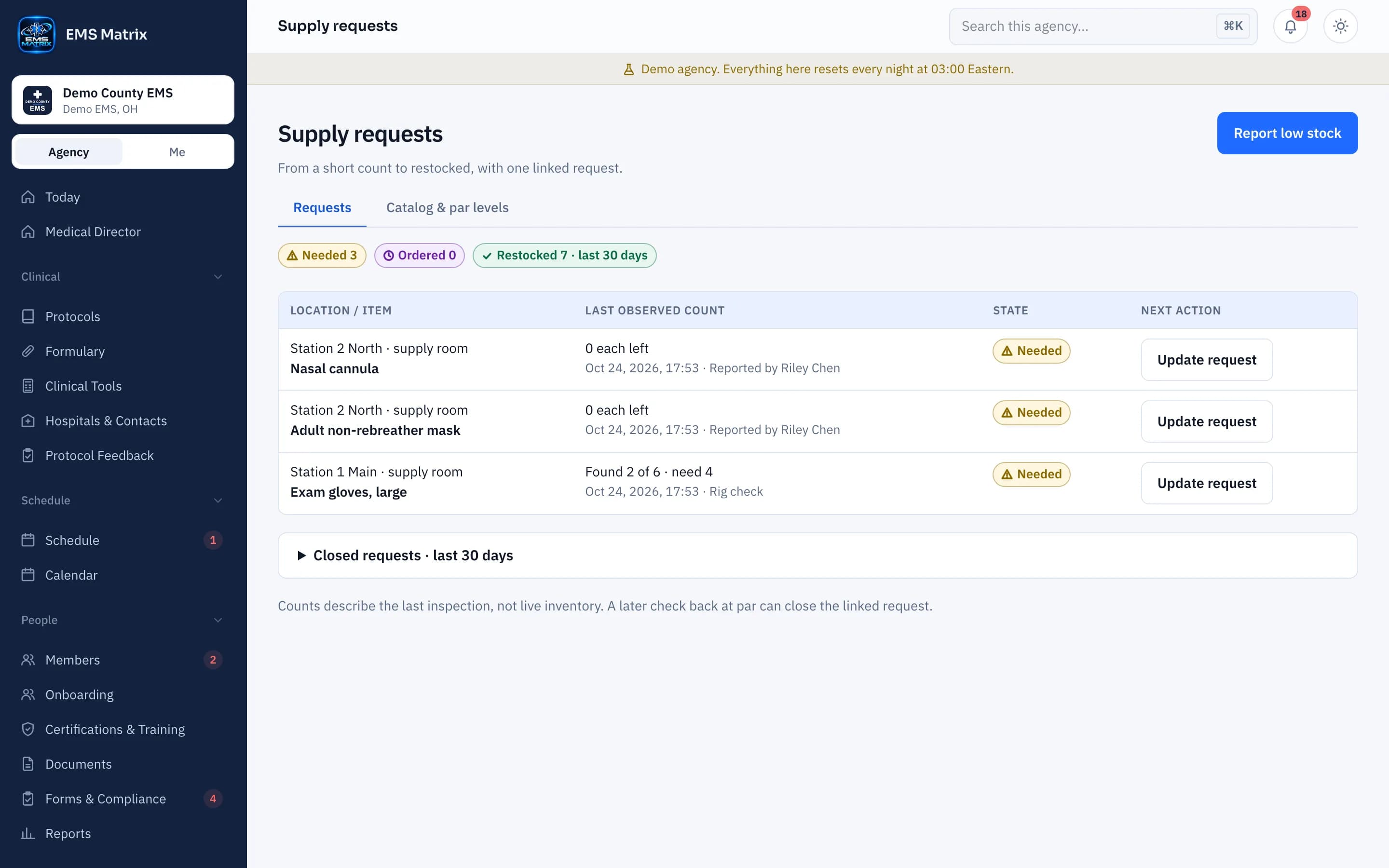
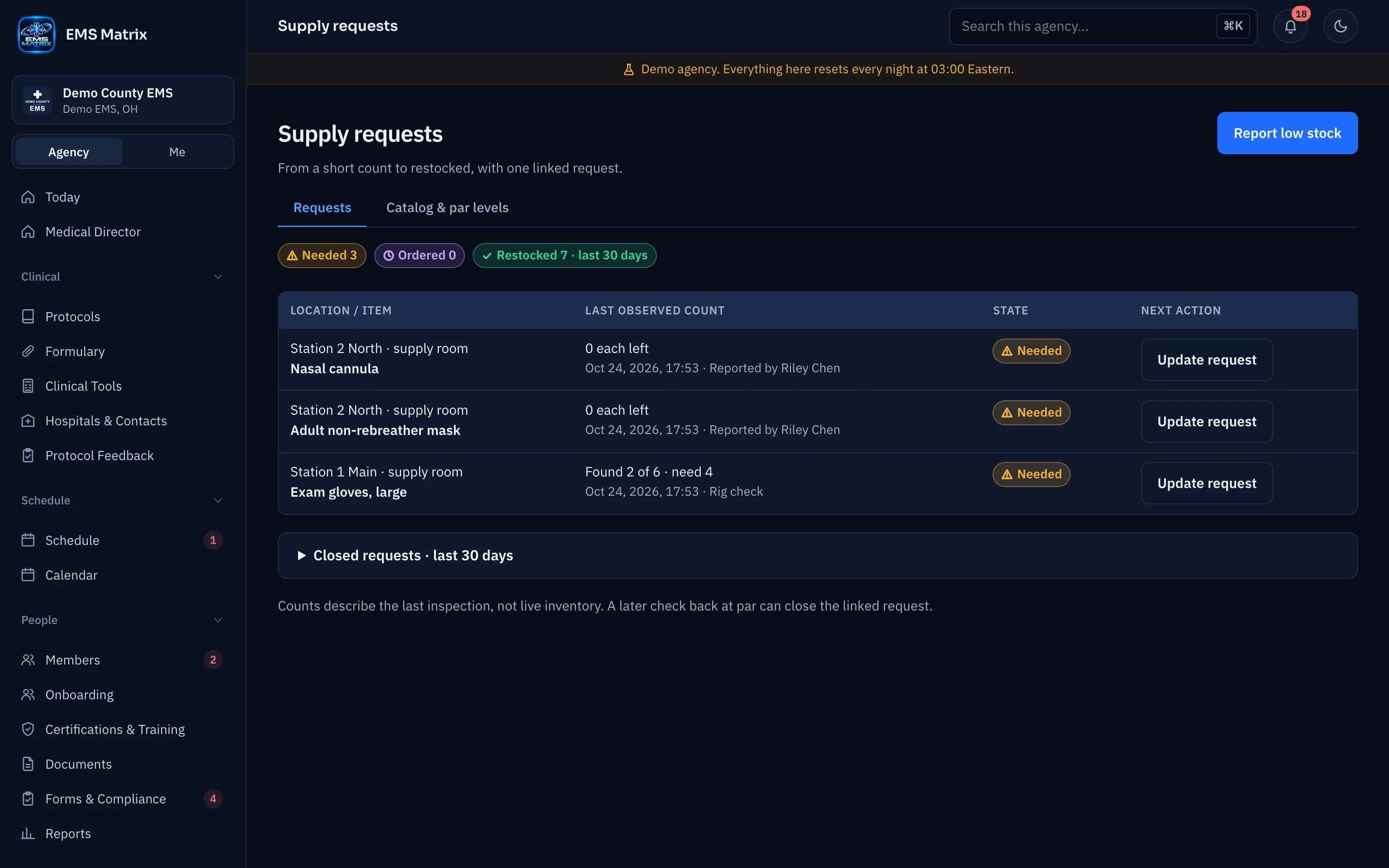
Low stock reported.Next steps visible.
Give crews a clear way to report low supplies and follow each request through to restocking.
From a truck or station
Report an item, location, quantity left and a note.
An owner for ordering
Notify the people your agency names to order supplies.
A shared status
Follow Needed, Ordered and Restocked without a separate message chain.
How it works
- 1
Report low stock
Start from a rig check or a member’s report.
- 2
Review the request
The ordering team checks what is needed.
- 3
Mark ordered
Update the request when the order is placed.
- 4
Confirm restocked
Close the loop when supplies arrive.
Questions
Is this a purchasing system?
This tracks supply requests against each truck’s par levels. It does not manage vendors, purchase orders, costs or supply-room inventory counts.
See Supplies in action.
Explore the crew app and portal with Demo County EMS.