Clinical
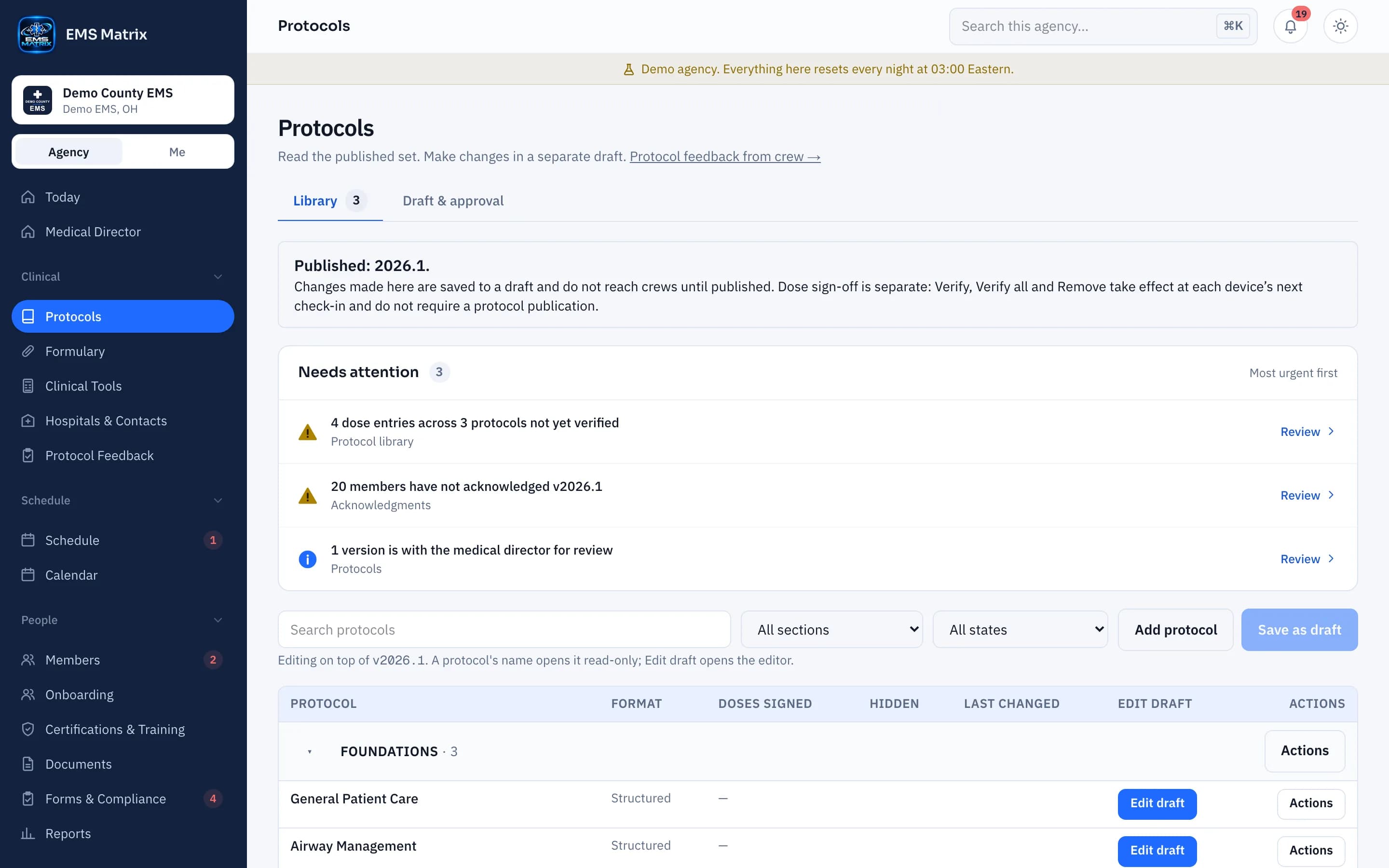
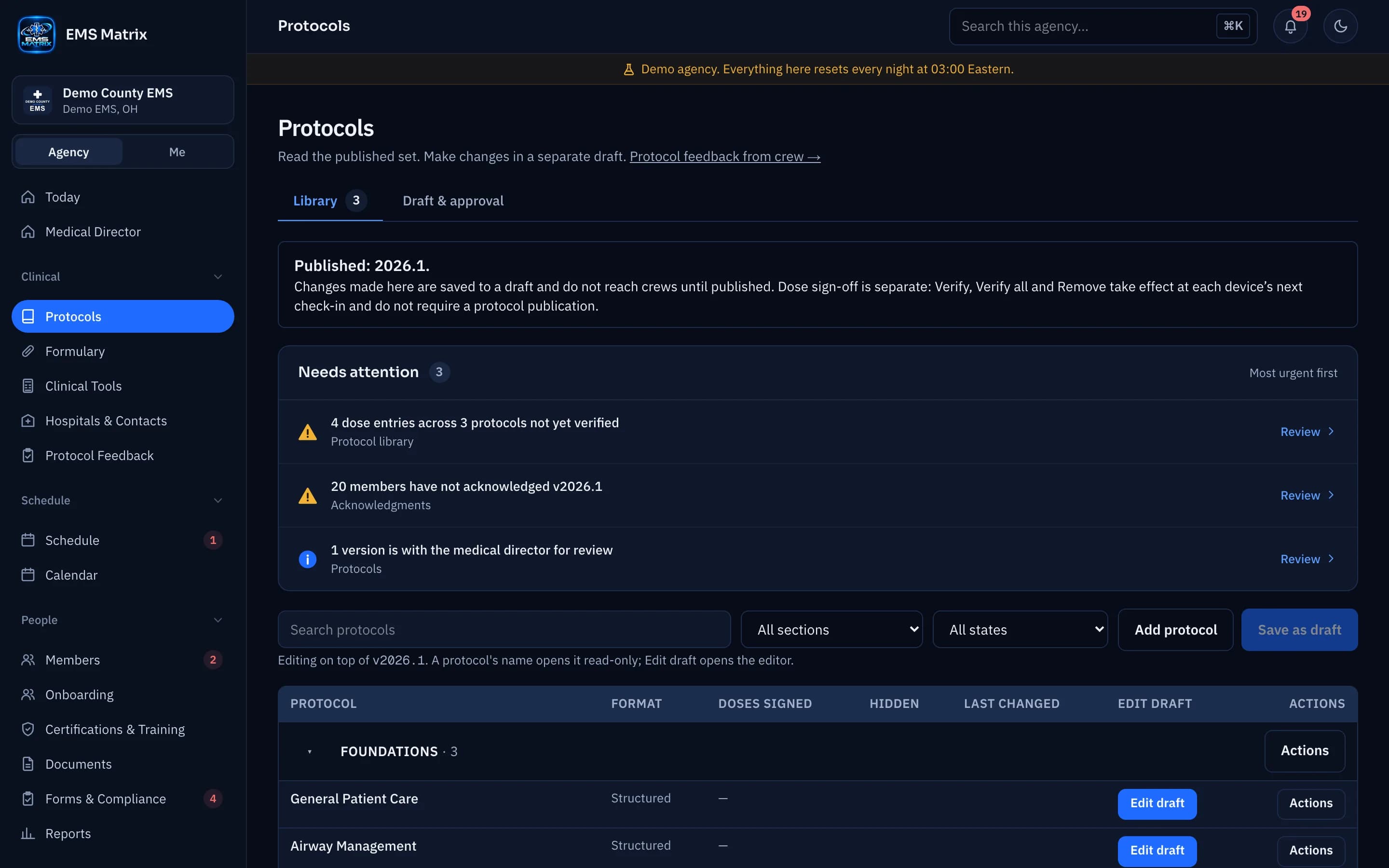
Your protocols.Ready for the crew.
Upload, review and publish your agency’s protocols, with downloaded clinical guidance available offline.
Your layout
Keep your agency’s sections and clinical content together.
Review before release
Compare imported content with the source before publishing.
Ready without a signal
Crews can open protocols already downloaded to their phones.
How it works
- 1
Upload your source
Start with Word or a PDF containing real text.
- 2
Review the import
Check each protocol against your source.
- 3
Approve and publish
Follow your agency’s review and sign-off settings.
- 4
Phones update themselves
Phones download the published version on their own.
Questions
Which files can we upload?
Word is recommended for provider levels and box colors. PDFs with real text also work; scanned PDFs are not supported.
When do phones receive updates?
The app checks at startup, sign-in, agency switch and when it is opened again, or when a member chooses Check for protocol updates.
See Protocols in action.
Explore the crew app and portal with Demo County EMS.