
Operations
The records you keep.The answers you need.
Review staffing, hours, credentials and operations from the records your agency already maintains.
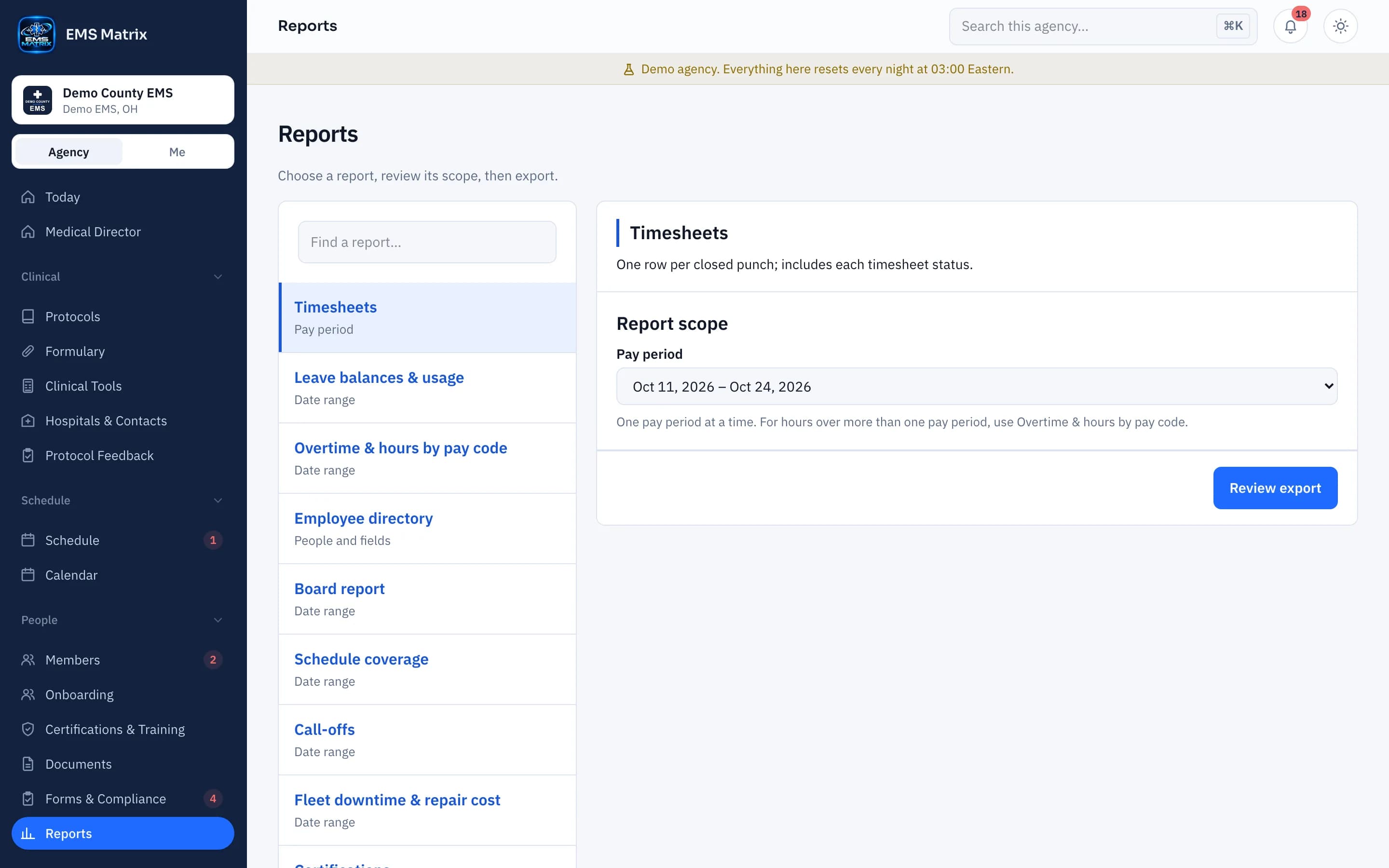
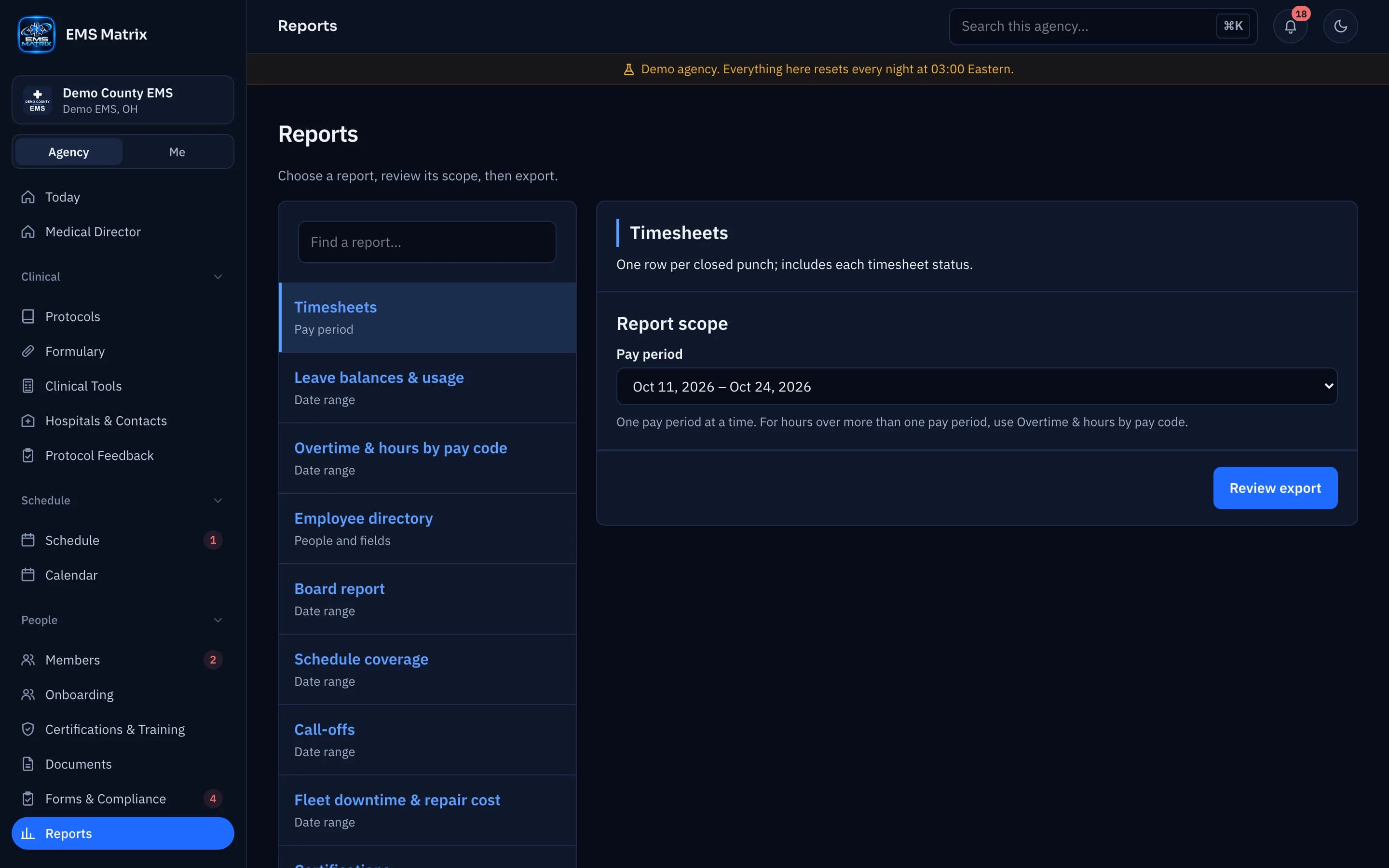
Start with the question
Choose a report for the task in front of you.
Set the right range
Use the report’s date or pay-period filters.
Share a useful file
Download the report as CSV or PDF.
How it works
- 1
Choose a report
Find the staffing, hours or operations view.
- 2
Set the scope
Choose supported dates and filters.
- 3
Review the results
Check the records and totals.
- 4
Download the file
Export for the people who need it.
See Reports in action.
Explore the crew app and portal with Demo County EMS.