
Workforce
Leave requests.A clearer decision.
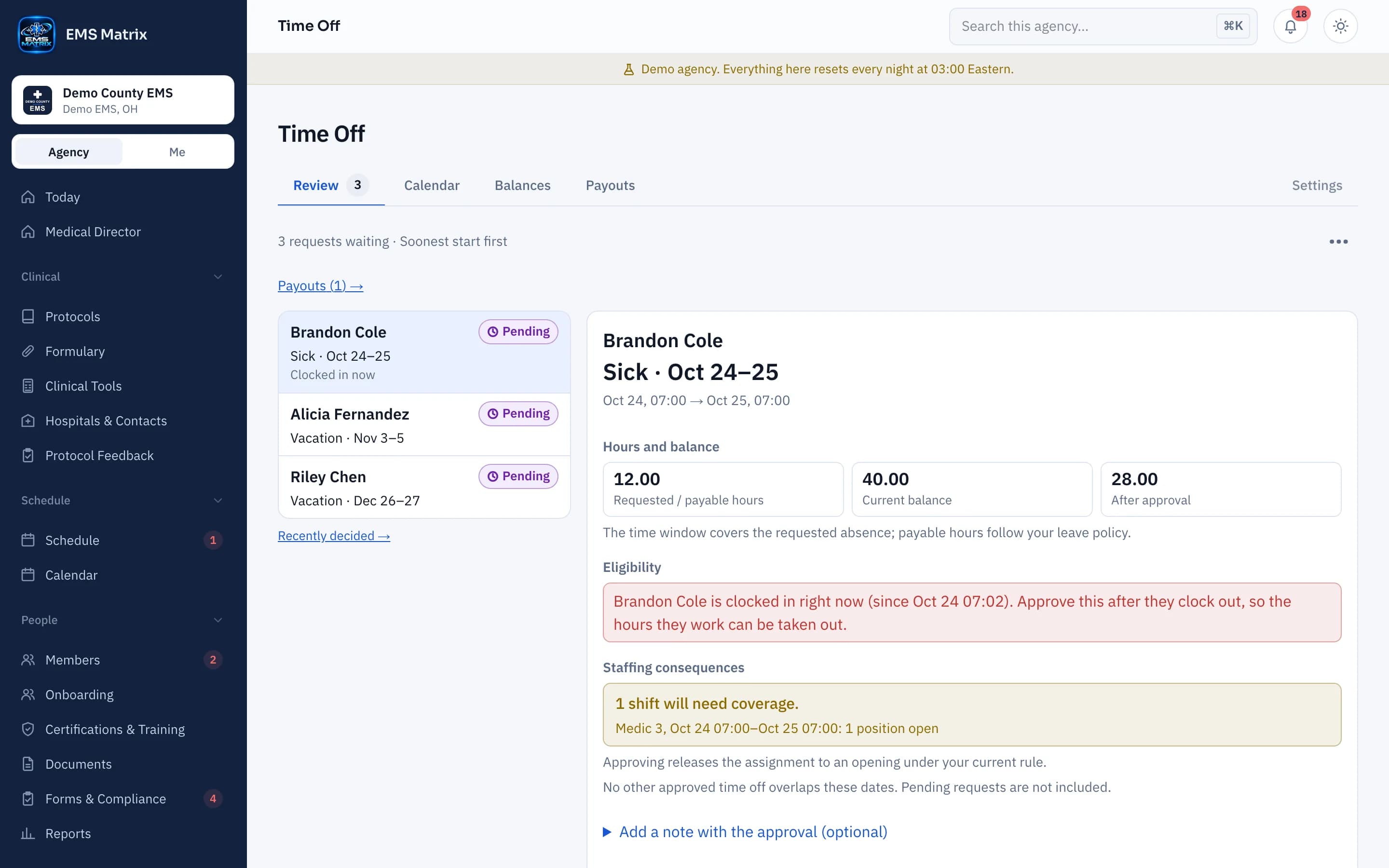
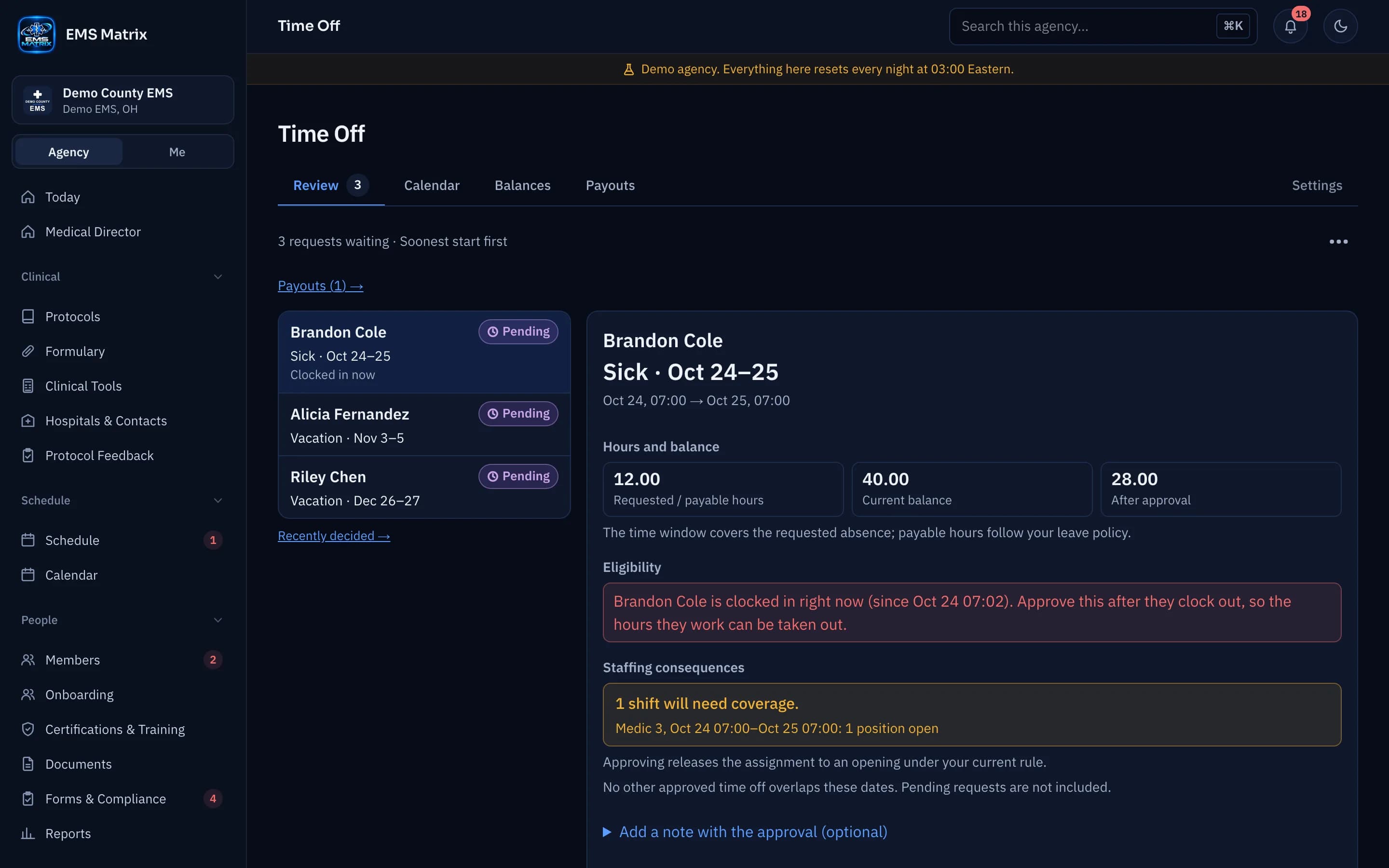
Review requested time, available balances and staffing impact together before deciding.
A member’s view
See current and projected balances before submitting.
A supervisor’s queue
Review the request and affected shifts in one place.
Connected records
Approved leave appears in the schedule and timesheet.
How it works
- 1
Set leave types
Choose your agency’s leave rules.
- 2
Request time
Members pick their shifts or type the dates.
- 3
Review and decide
An authorized approver checks the request.
- 4
Follow the result
The member can see the decision and updated balance.
See Time Off in action.
Explore the crew app and portal with Demo County EMS.