
Workforce
Staff every unit.See the whole week.
Build around each unit’s own hours and your staffing rules, with openings, call-outs and bids in one place.
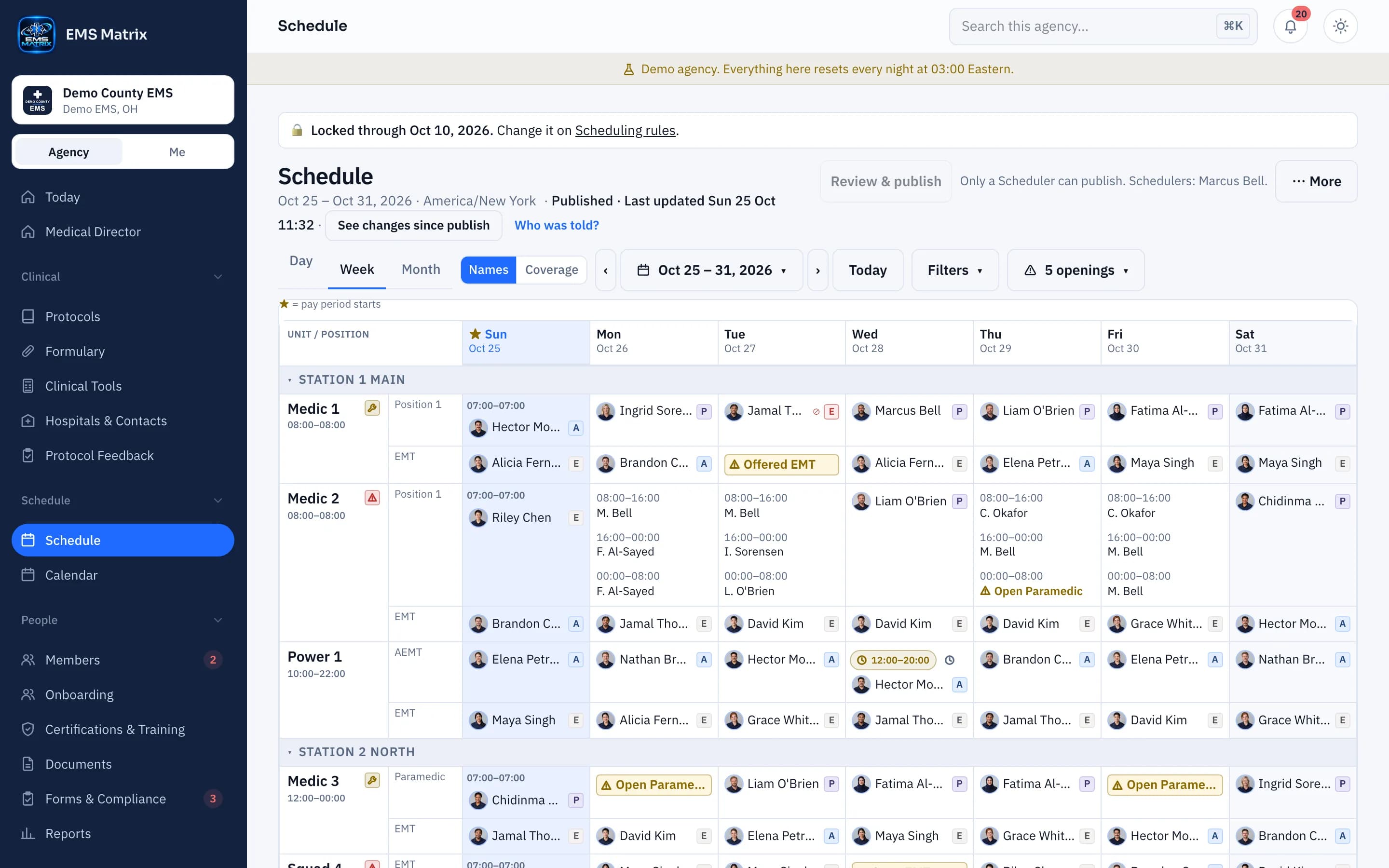
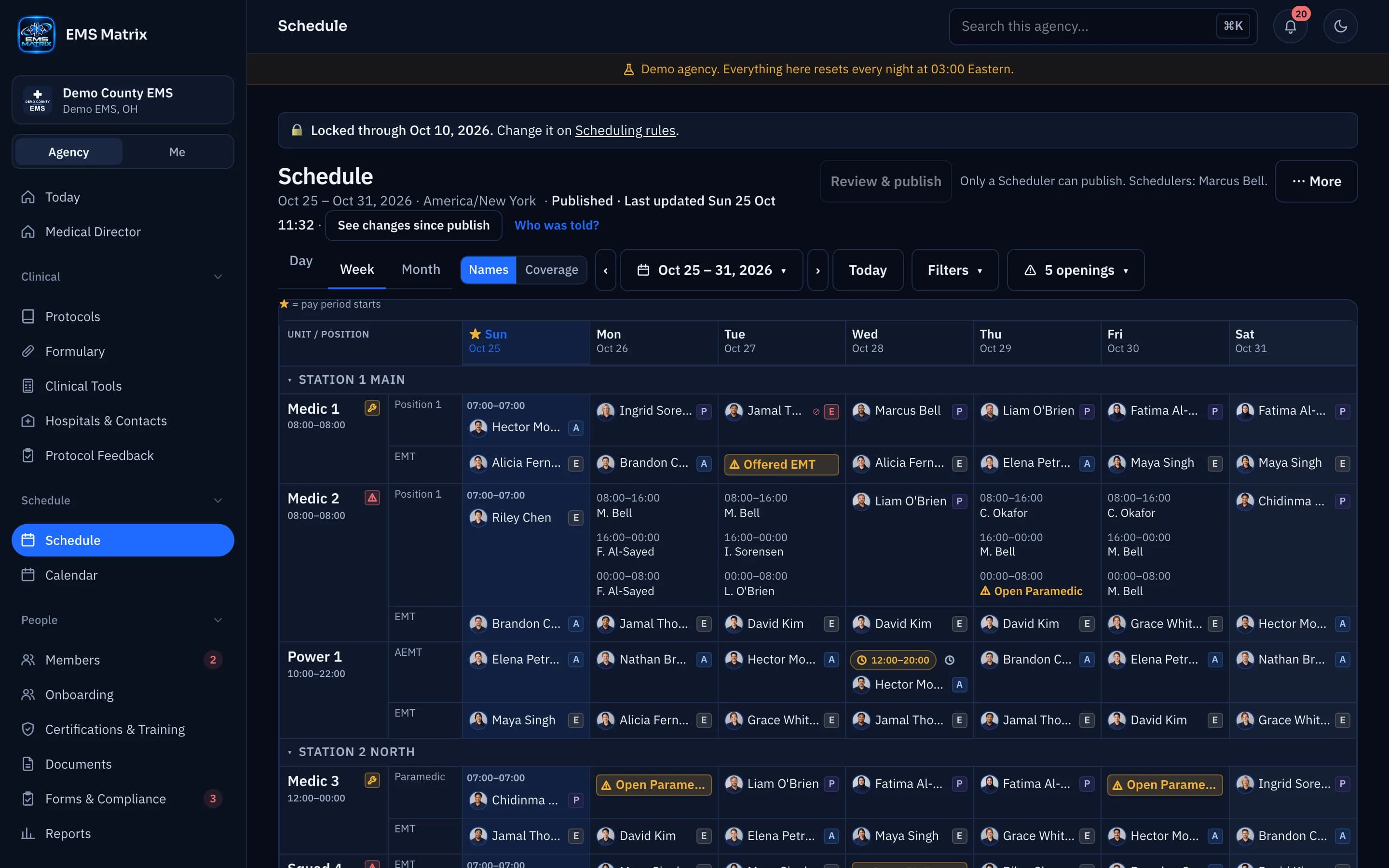
Hours you can read
Each unit’s own hours sit under its name; split times sit with the assignment.
One schedule, three views
Switch between Day, Week and Month, by names or coverage.
A clear crew view
Members see published shifts, request open shifts and bid from their phones.
How it works
- 1
Configure units
Set operating hours and required positions.
- 2
Build a draft
Create shifts and check coverage.
- 3
Review and publish
The Scheduler publishes for members to see.
- 4
Fill openings
Award from bids or a call-out; the award keeps who and when.
Questions
What if a date has too much to show?
Use +N more to open the full date panel. Openings remain visible in the calendar.
What does “Can’t confirm” mean?
Coverage could not be checked. It is shown in gray, never as covered.
See Scheduling in action.
Explore the crew app and portal with Demo County EMS.