Clinical
The right details.When crews need them.
Bring hospital capabilities, agency notes and useful phone numbers together for your crews.
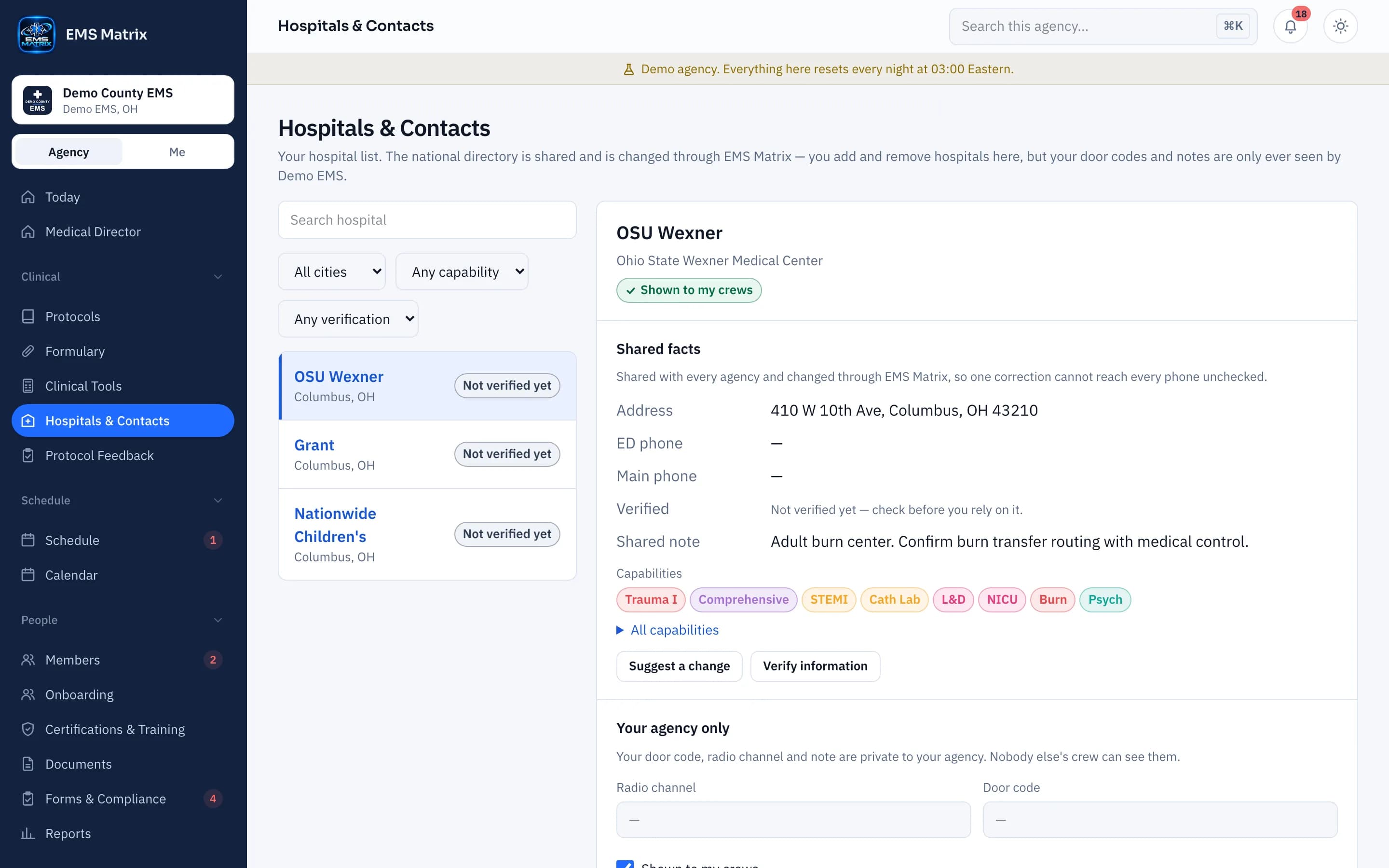
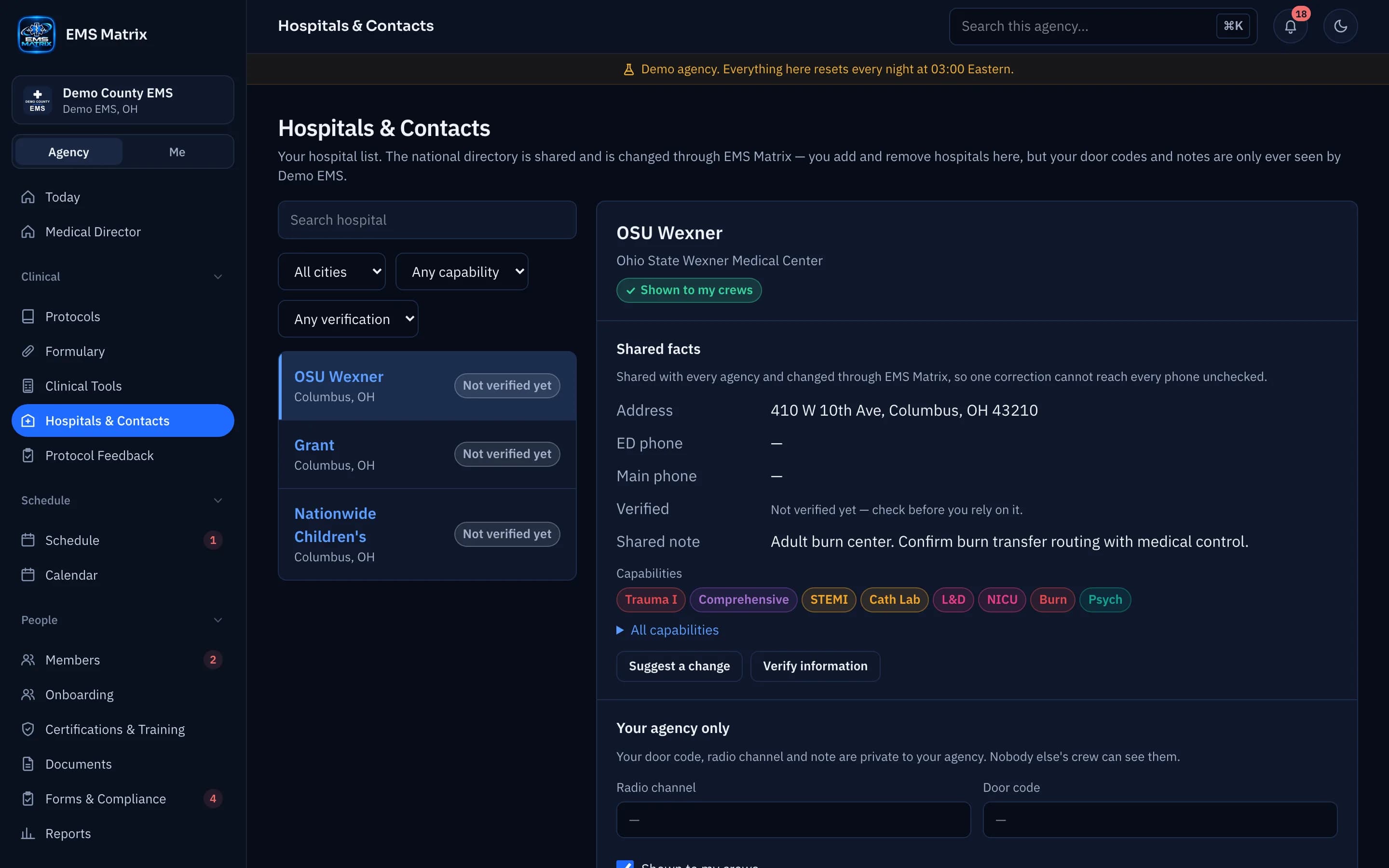
Capabilities in view
See listed services and verification details.
Agency details together
Keep your door codes and radio channels with the facility.
Contacts close by
Find ED and agency numbers from the phone.
How it works
- 1
Choose hospitals
Build your agency’s hospital list.
- 2
Add agency notes
Enter private access and radio details.
- 3
Review capabilities
Check when it was verified and where it came from.
- 4
Find and call
Crews use the directory in the field.
Questions
Does the directory choose a destination?
No. Crews use facility information with their agency’s destination protocol. Missing information should be confirmed with the facility.
See Hospitals & Contacts in action.
Explore the crew app and portal with Demo County EMS.