Operations
Signed for.Not just posted.
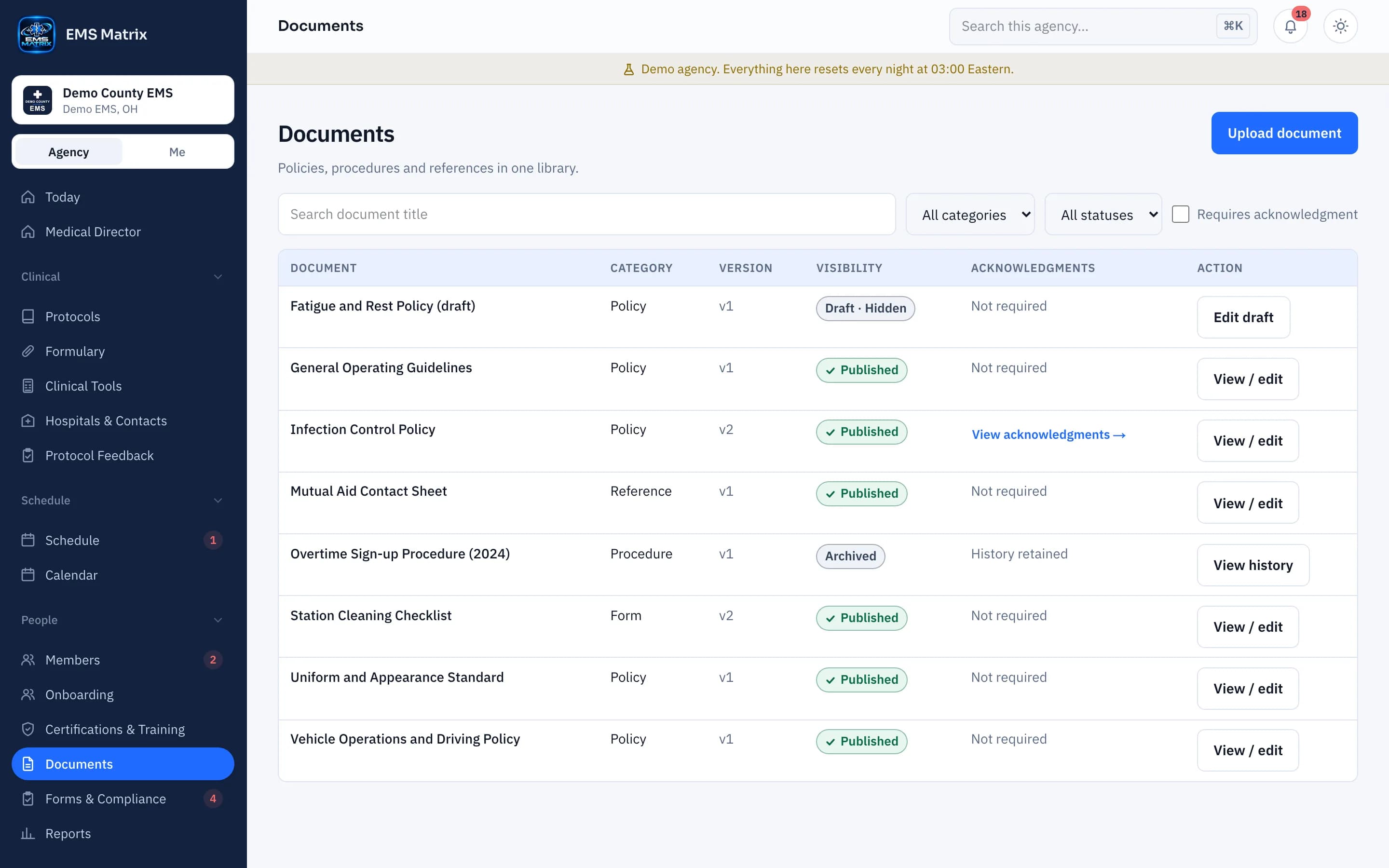
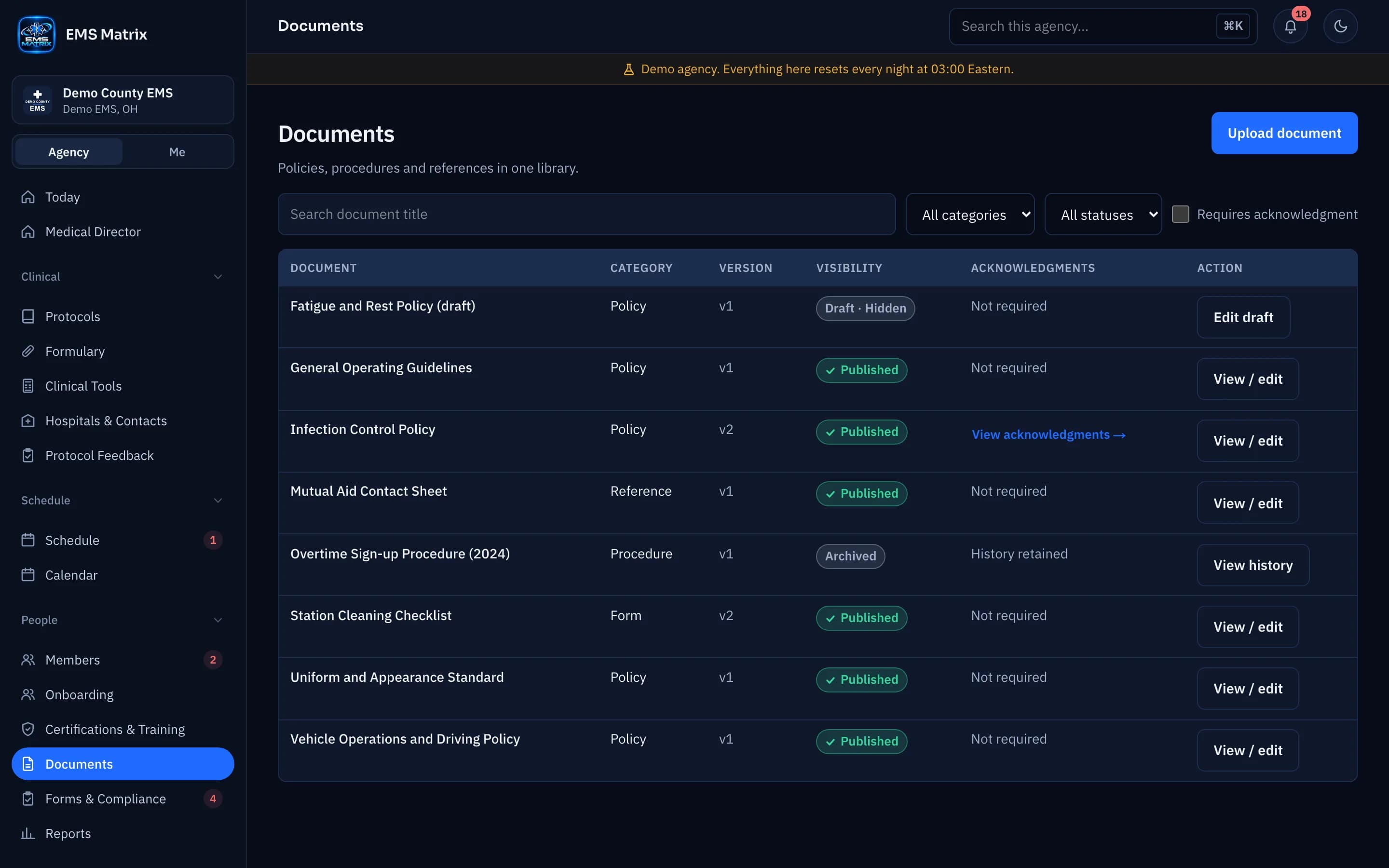
Publish policies and updates, then see who has reviewed and acknowledged each version.
A version that stays clear
Keep effective dates and review dates with the document.
A crew review path
Members open the document and swipe to acknowledge it.
Follow up by name
See outstanding acknowledgments and send reminders.
How it works
- 1
Publish a version
Choose the document and effective date.
- 2
Choose the audience
Pick who must acknowledge it; reminders follow on your schedule.
- 3
Review and acknowledge
Crews open and sign from their phones.
- 4
Track completion
Follow outstanding responses and export the report.
See Documents & Acknowledgments in action.
Explore the crew app and portal with Demo County EMS.