Operations
Required forms.A clear finish line.
Schedule operational forms, review flagged answers and keep completion status in view.
Use your own forms
Start from a template or build the form you need.
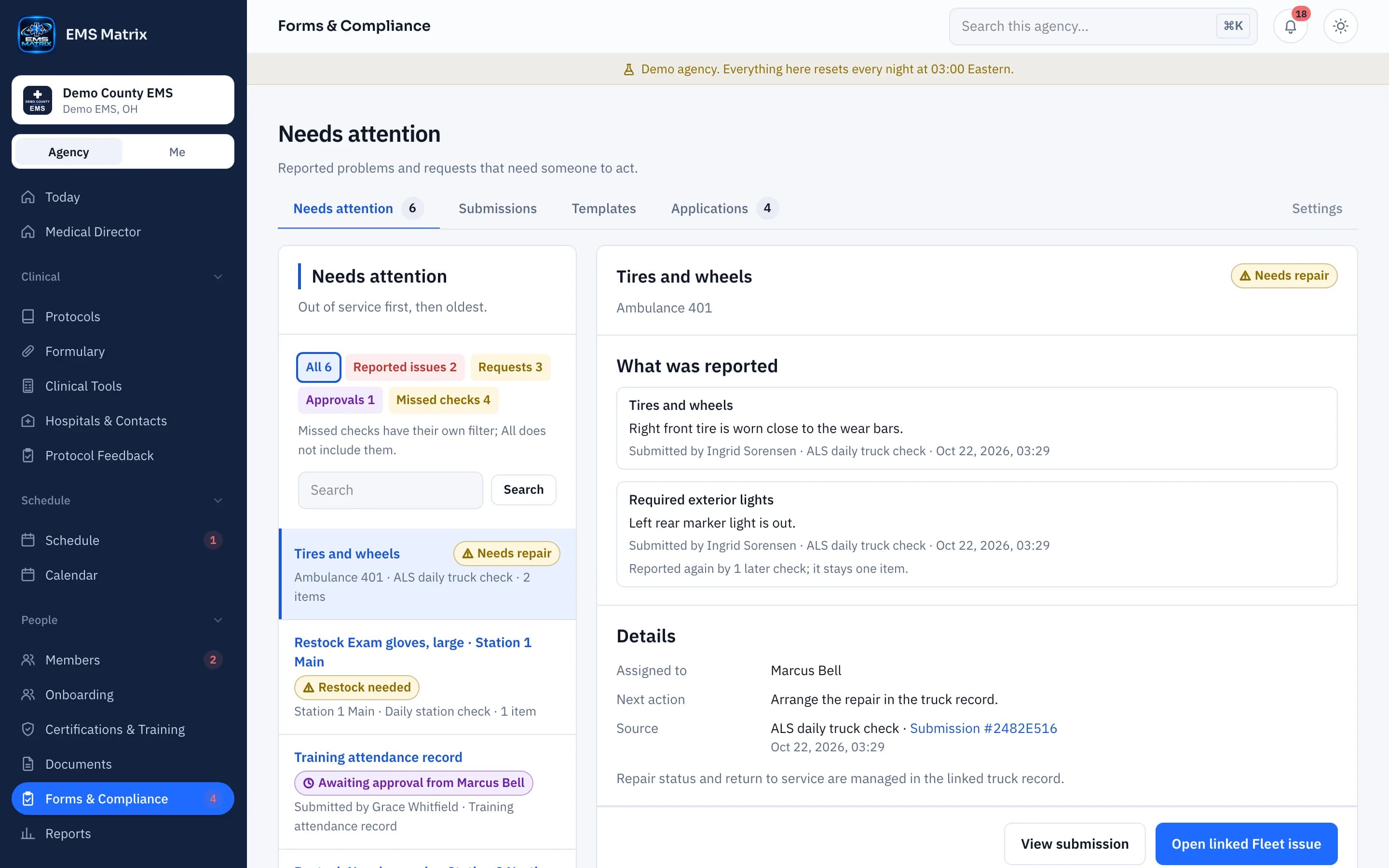
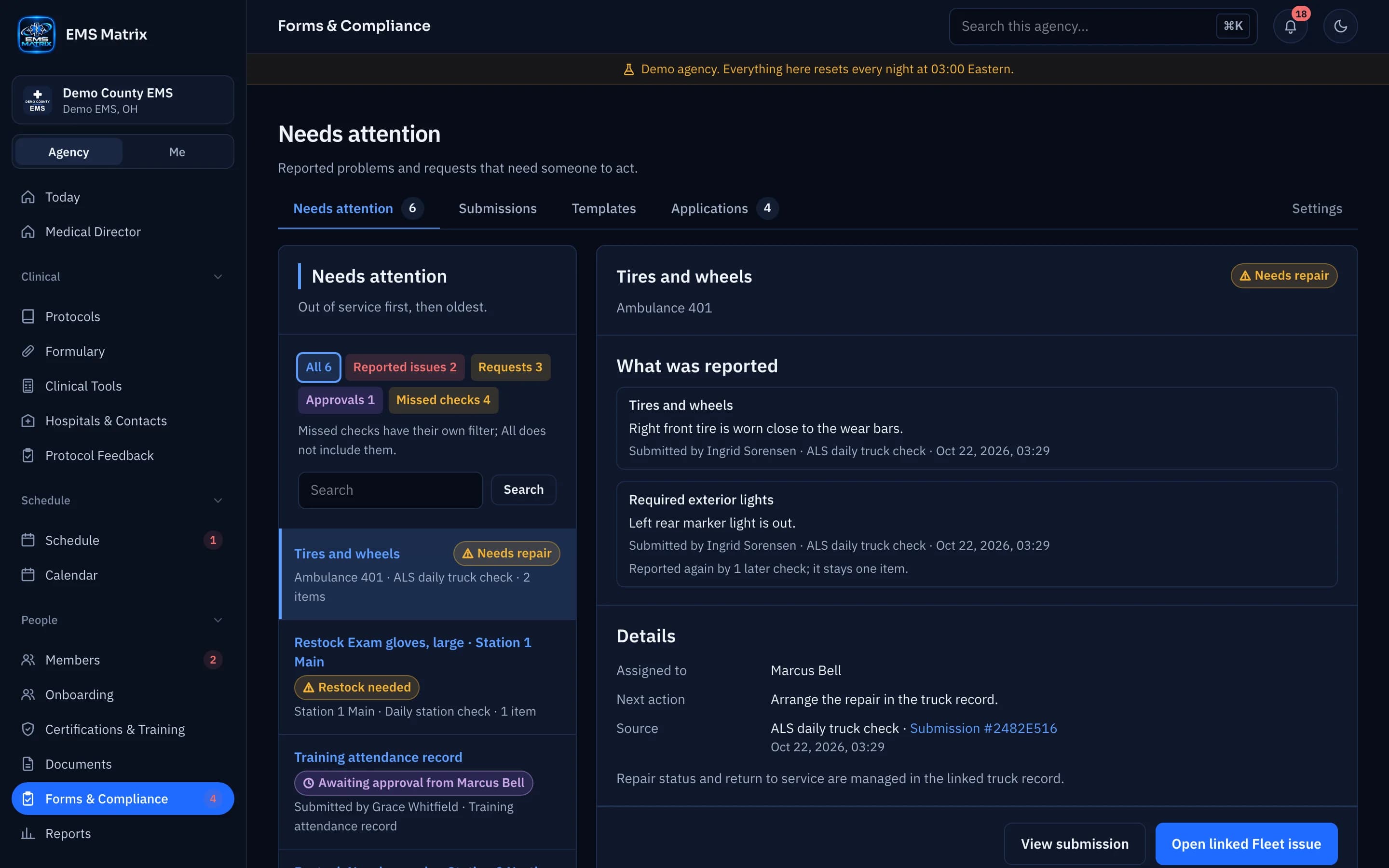
See what is outstanding
See reported issues, approvals and missed checks in Needs attention.
Review the exceptions
A flagged answer can open a request or a repair on the truck’s record.
How it works
- 1
Build or copy
Set the questions and review requirements.
- 2
Set when it is due
Each shift, daily, weekly, monthly or as needed, for a unit, station or agency.
- 3
Submit from the field
Crews fill out the form on their phones.
- 4
Review and close
Approve, ask for changes, or complete or waive a missed check.
See Forms & Compliance in action.
Explore the crew app and portal with Demo County EMS.