Operations
Keep the conversationwith the crew.
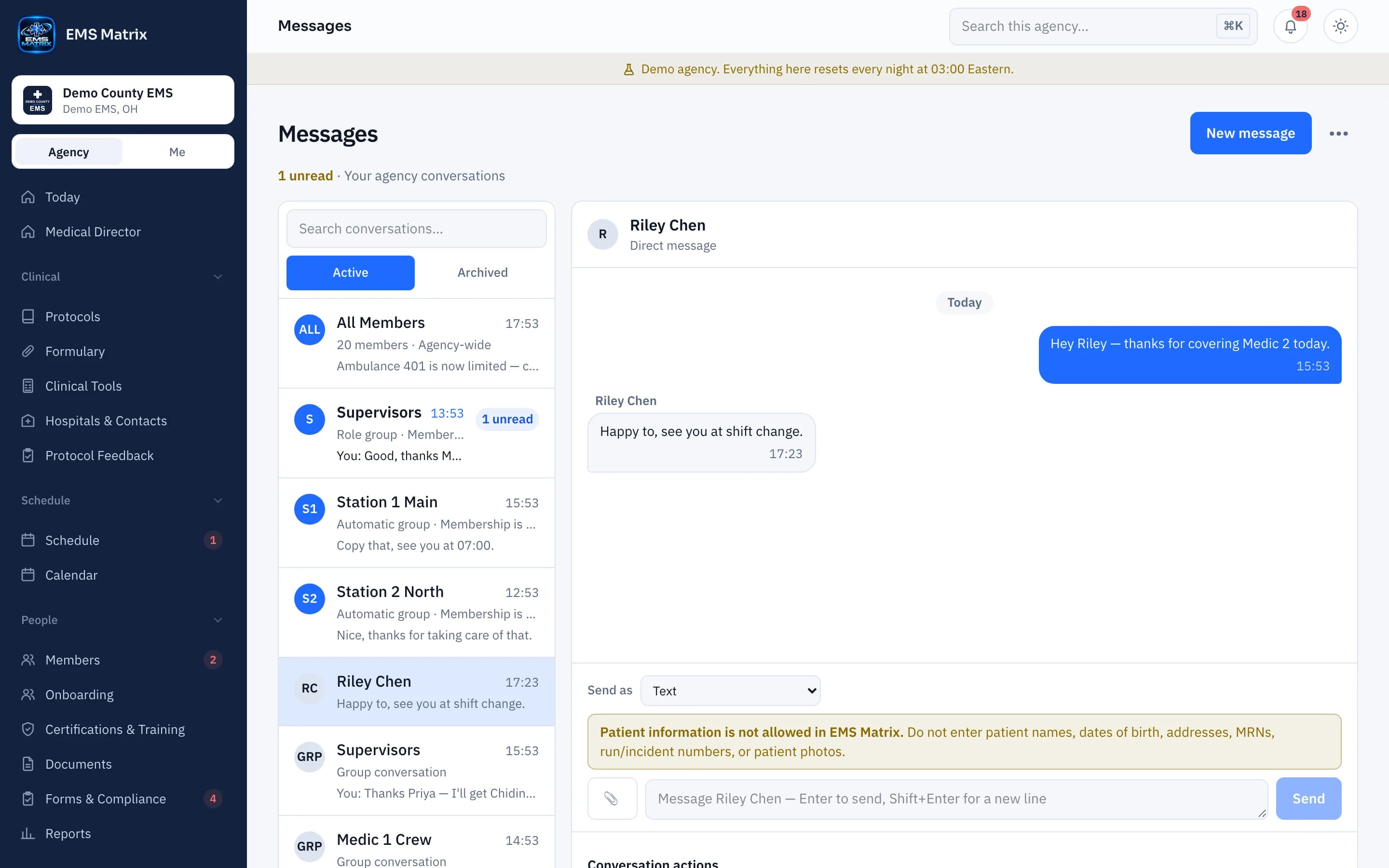
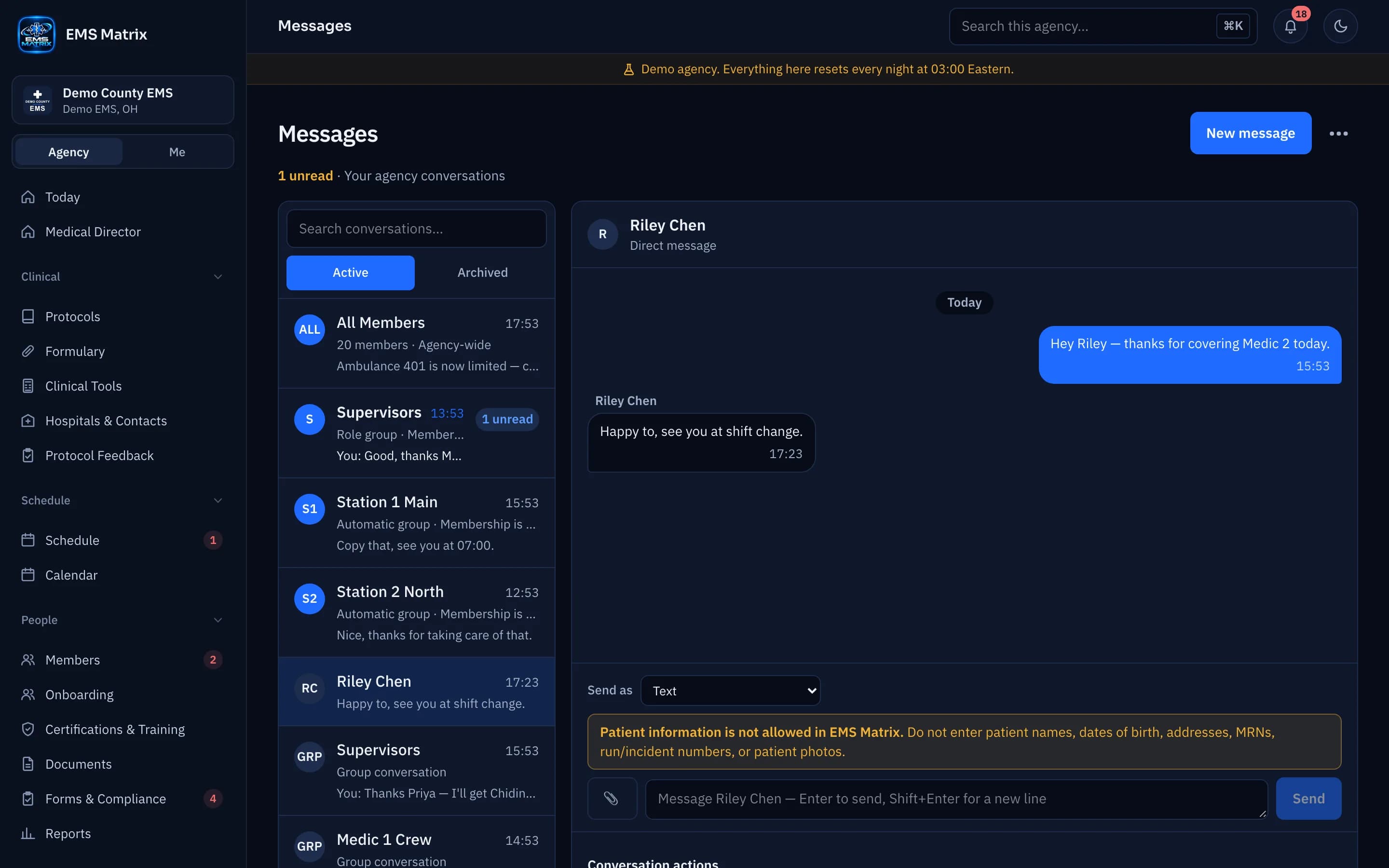
Bring agency, station and direct conversations together with notices that need attention.
Groups from your roster
Station and Supervisors groups fill themselves from the schedule.
Mark what matters
Use urgent notices and acknowledgment requests where needed.
One place to catch up
Crews find chats, announcements and actions in Inbox.
How it works
- 1
Choose the audience
Message everyone, a station, a group or a person.
- 2
Share the message
Add the operational details people need.
- 3
Review and respond
Members open the message in Inbox.
- 4
Follow acknowledgments
See responses for messages that require them.
See Messages in action.
Explore the crew app and portal with Demo County EMS.