
Clinical
Useful references.Within easy reach.
Put the calculators, scores and CPR timer your agency uses together on the crew’s phone.
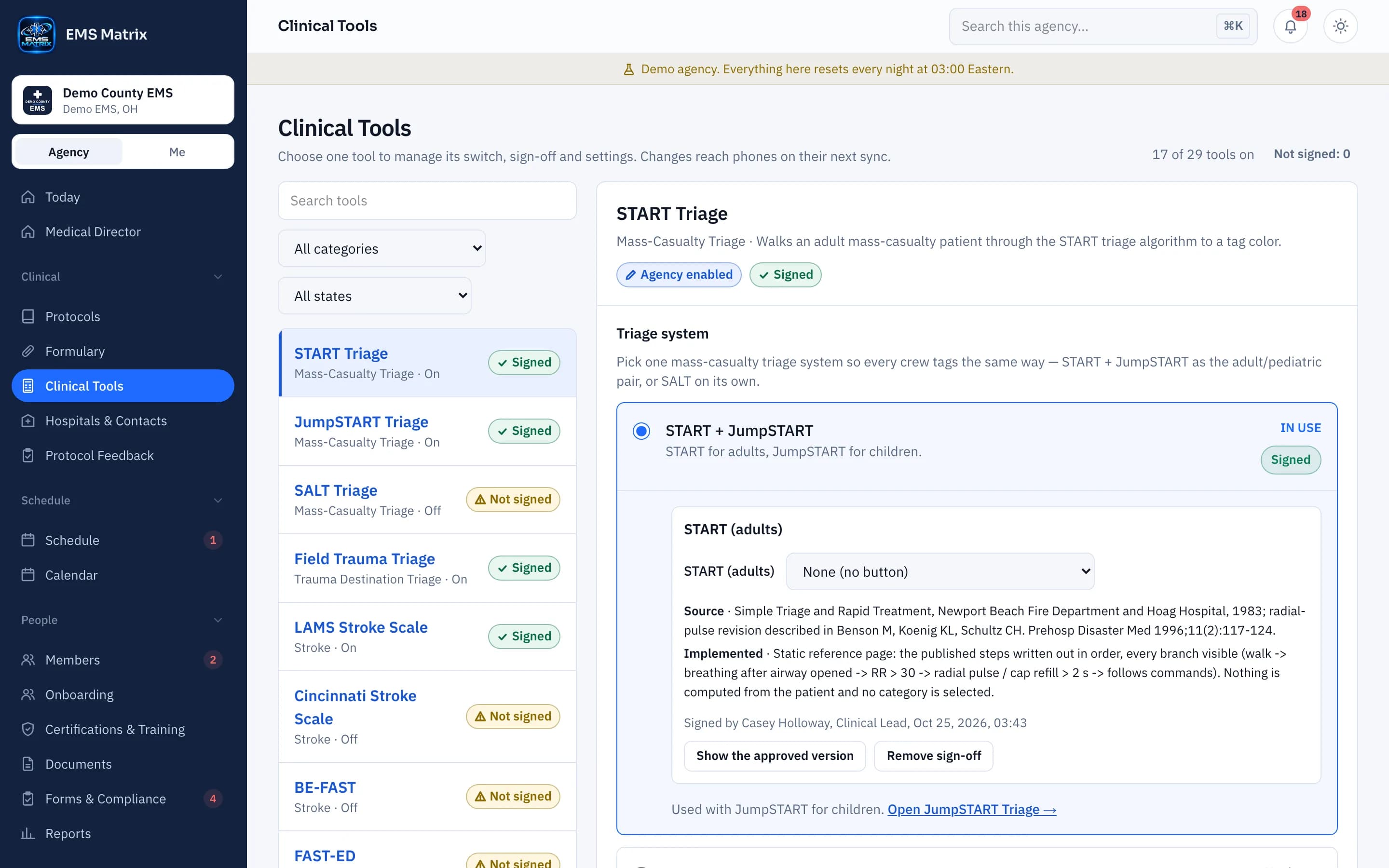
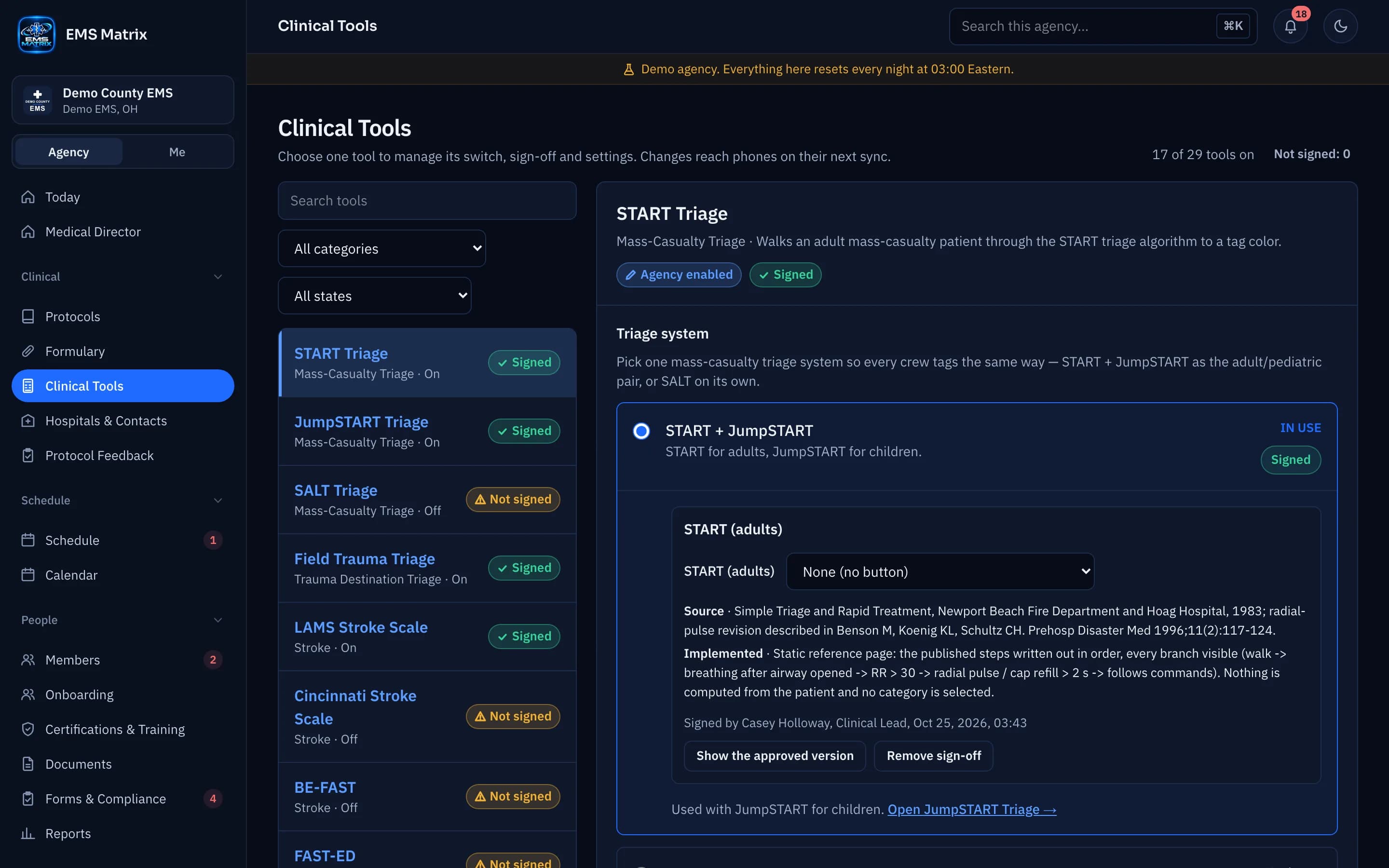
Agency-selected tools
Show the tools your agency has chosen.
Clear categories
Find tools by task, from stroke and trauma to medication math.
Protocol context
Keep your agency’s clinical guidance close at hand.
How it works
- 1
Choose tools
Review the tools for your agency.
- 2
Sign off
Switch each tool on, set it up and sign it off.
- 3
Open on the phone
Crews find tools in Clinical.
- 4
Follow your protocol
Use the reference alongside agency guidance.
See Clinical Tools in action.
Explore the crew app and portal with Demo County EMS.