
Workforce
Keep credentials clear.Keep renewals moving.
Review credential evidence, follow renewal dates and keep training records together.
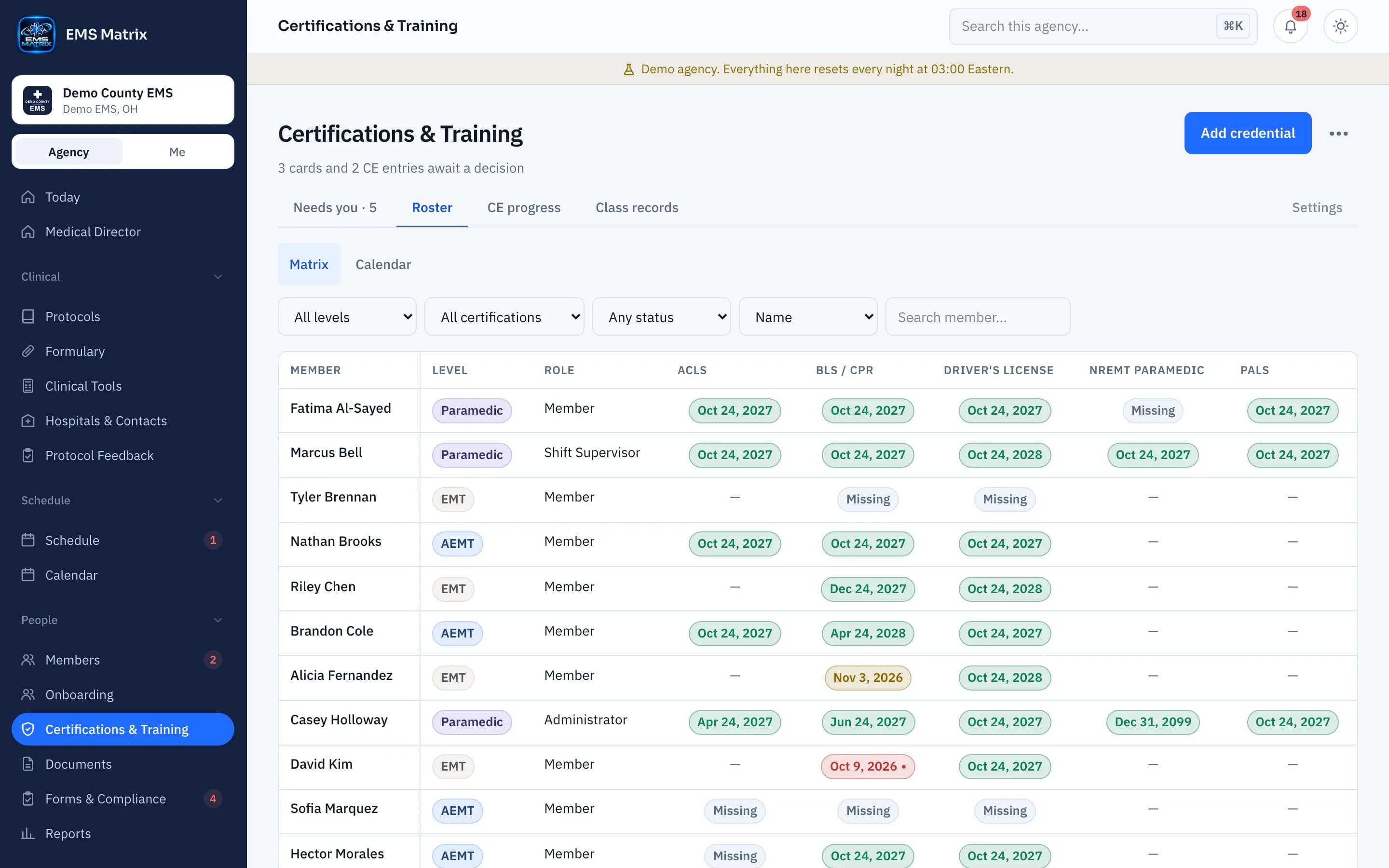
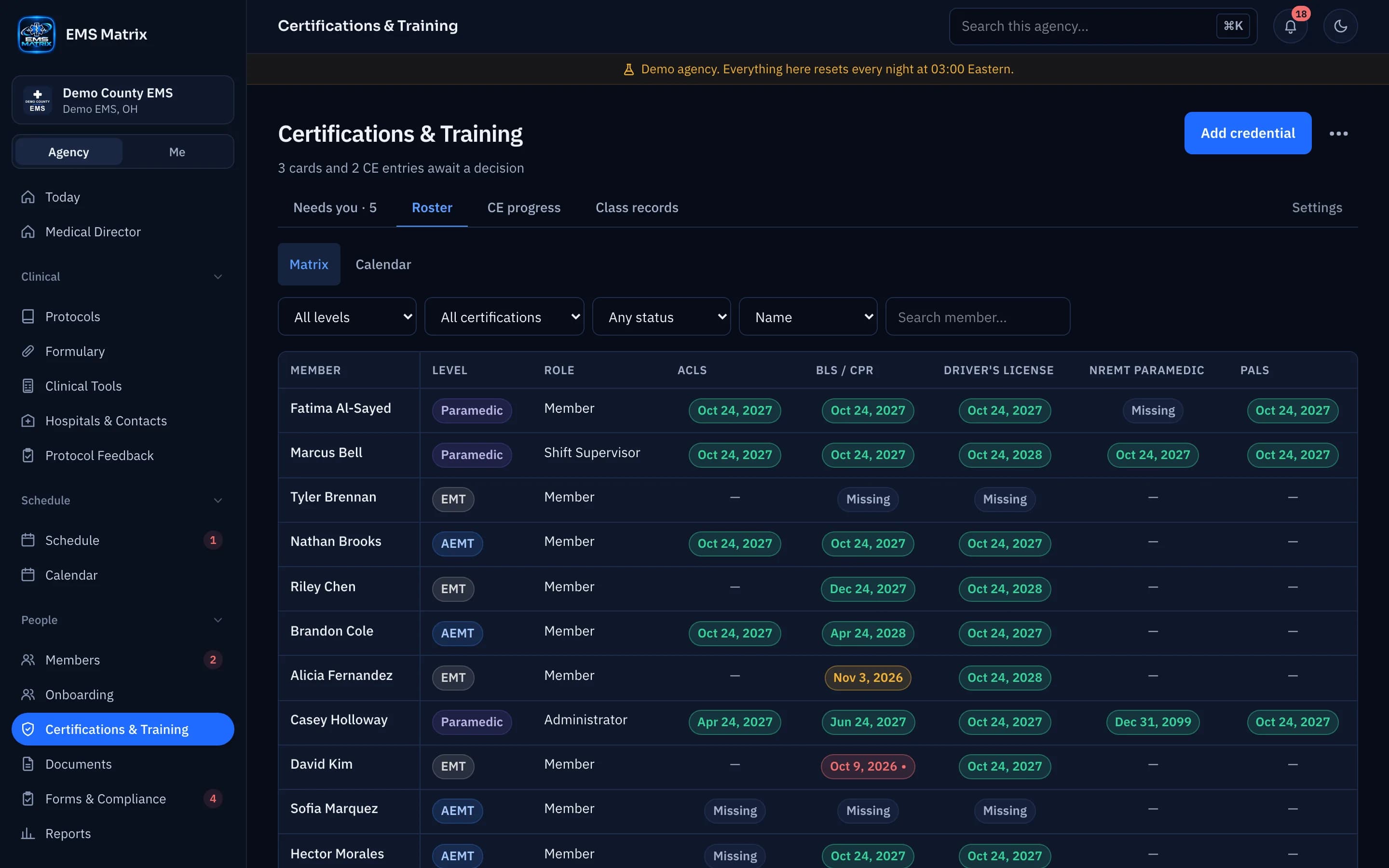
See what needs review
See what is expired, expiring, missing or waiting to approve.
Evidence beside the record
Check dates and supporting documents in the review panel.
Keep the next date visible
Use requirements and expiration views to plan ahead.
How it works
- 1
Set requirements
Choose what each role or level needs.
- 2
Collect evidence
Members submit their credential records.
- 3
Review and decide
Authorized reviewers approve it, send it back or do not accept it.
- 4
Track renewals
Follow current status and upcoming dates.
Questions
Does an expired credential block a shift?
Your agency chooses for each certification type: say nothing, warn the supervisor or block the assignment. A pending replacement does not make an expired credential current.
See Certifications & Training in action.
Explore the crew app and portal with Demo County EMS.